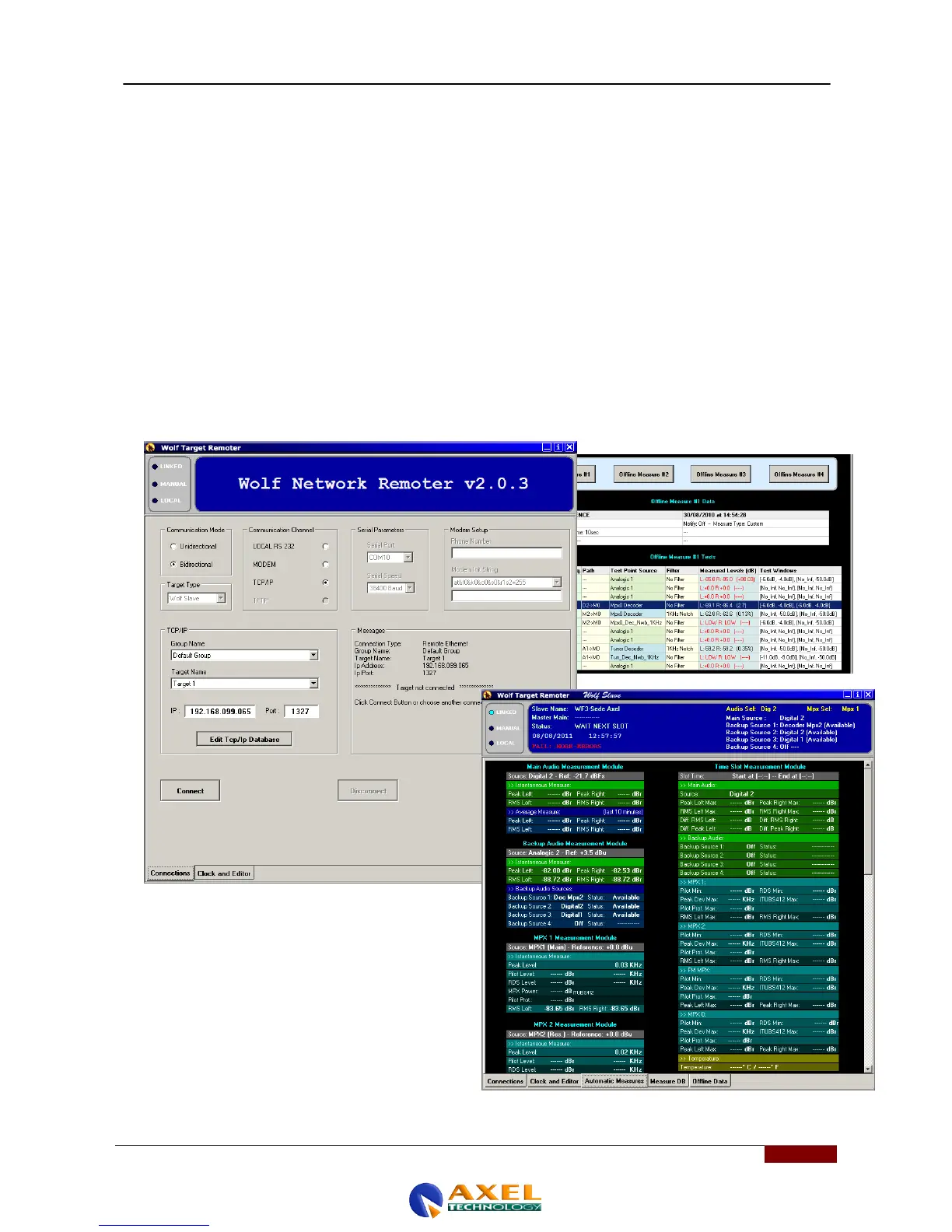
18.2 OVERVIEW OF AXEL WOLF NETWORK REMOTER
After setting the various connection parameters (IP address, phone numbers, or serial ports) using Wolf Address
Manager, you can access the Wolf device via Wolf Remoter Network.
You can then connect to the device in a number of ways, such as:
- Serial line (RS232)
- GSM or PSTN modem and
- TCP/IP. Once connected, this application enables you to ….
- TFTP
Once inside the Wolf Network, you can perform any of the various operations outlined roughly below:
- Check the status of the Wolf Network, to see at a glance whether or not there are any errors.
- Set the time and date (both local and UTC) of the Wolf Network device (Clock and Editor)
- Access Wolf Editor (Wolf Editor)
- Read the measurements carried out automatically by the Wolf Network (Automatic Measures)
- Read the log of the measurements performed by the Wolf Network (Measure DB)
- Read the off-line measurements carried out by the Wolf Network (Offline Data)
Some examples can be seen in the figures below



 To Next Page