USING WOLF REMOTER FOR THE FIRST TIME
19.1 DIRECT LINK VIA MODEM UPLINK
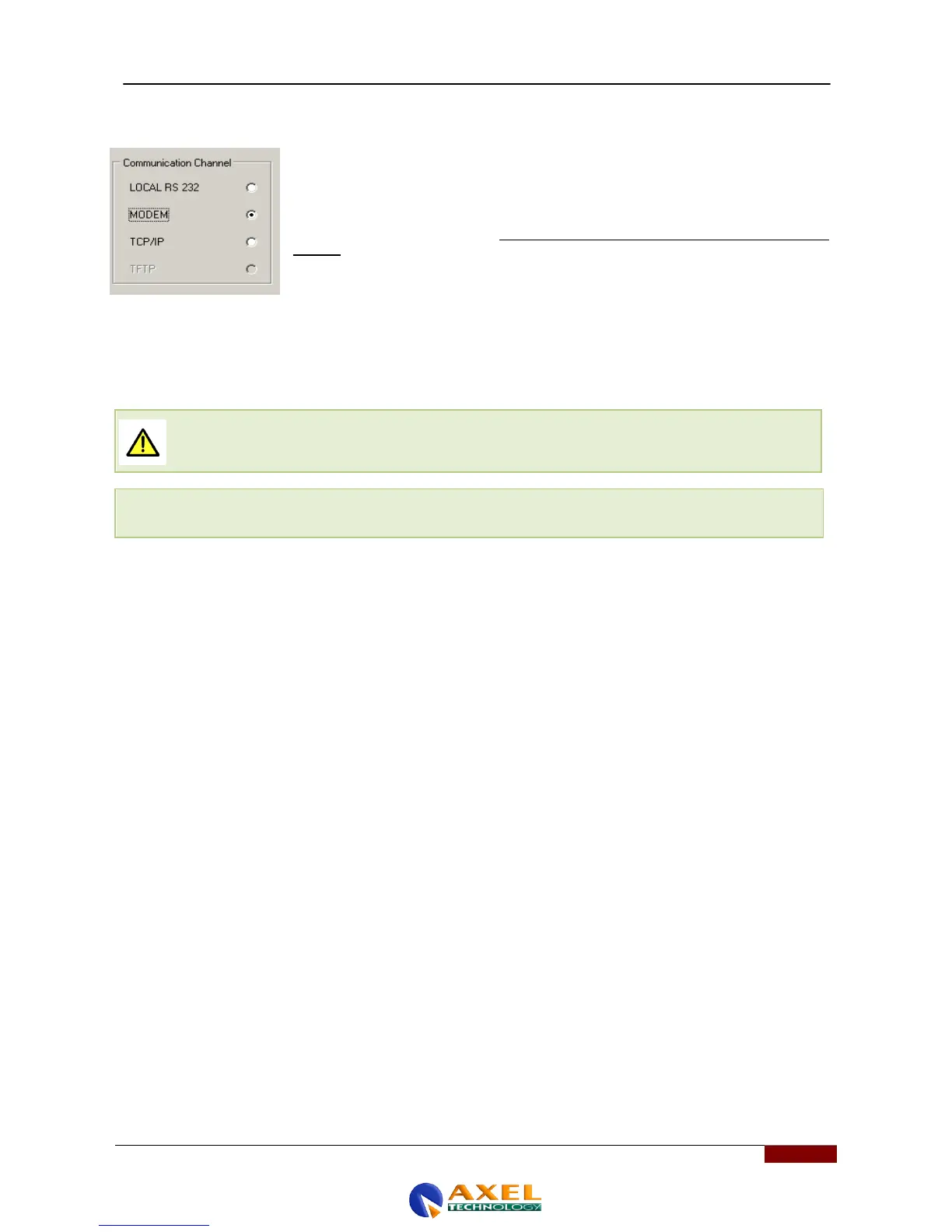
It is possible to connect a PC and a remotely installed Wolf Network via a dial-up
modem connection. Each time the connection is made via two dial-up modems, select
'MODEM' in the communication channel configuration windows (ComChannel). The
connection mode ('Connection mode') will be automatically set to 'bidirectional':
See the next section of this manual for the physical connection between the modem and the
Wolf Network, at the remote end (serial port 1 of the Wolf Network must be used for this
purpose).
Using Wolf Remoter Network, set the serial port used to connect to the modem and the
associated connection speed (which is usually 38400 baud for POTS/PSTN modems and
9600 baud for GSM modems). You will also need to enter a modem initialization string
Select the PC serial port to use for the connection (from 1 to 255). In the case of a USB modem,
check that the 'virtual' serial port is selected automatically by the PC.
Set the maximum transmission speed for the selected PC port. By default, the Remoter will display
the maximum value (38400 Baud).
The communication transmission speed set in the control PC’s software must MATCH the
transmission speed of the modem connected.
Enter the AT initialization string here. The BSN offers two string options. The shortest
(at&f&k0&c0&r1s2=255) is usually suitable for internal PCI modems, while the longest
(at&f0&k0&c0&s0&r1s2=255) is usually suitable for external modems.
Enter the number to dial here (including country code, area code, etc.).
Click OK to confirm, or ESC to quit without saving.



 To Next Page