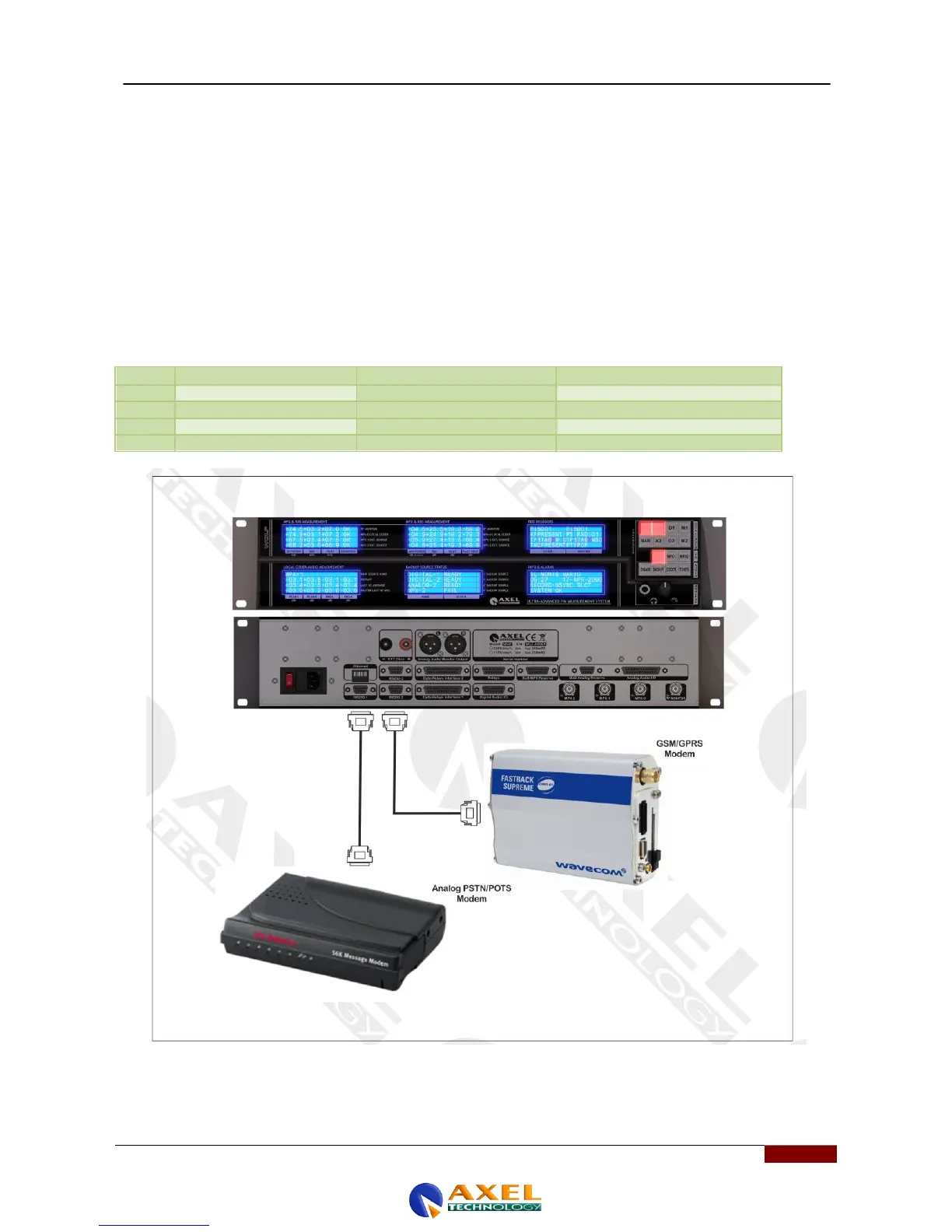
19.2 CONNECTION TO A DIAL-UP MODEM
Whenever remote control via a dial-up modem is required, connect the modem to the serial port 1 on the back of the unit.
Remember to check the configuration of port 1. Its speed must be set to:
- 38400 baud for a POTS dial-up modem
- 9600 baud for a GSM modem.
A 'crossover' CABLE (NULL MODEM) is required to for the modem connection. The table below shows the wiring
diagram for the cable in both cases in which the modem has 9-pin or 25-pin Sub-D female connectors.
Remember also that:
On a 25-pin plug, connect pins 6 and 8.
On a 9-pin plug, connect pins 1 and 6.



 To Next Page