The receiver modem (the one connected to the Shark serial port) must have at least the following settings (modem
commands are between brackets and refer to the most common modem models):
- IGNORE CDs (the standard command is &C0)
- IGNORE RTS (&R1)
- IGNORE DTR (&D0)
- Disable TX Flow Control (&H0)
- Disable RX Flow Control (&I0)
- Disable Data Compression (&K0)
You will also need to set registers S0 and S2 as follows:
- S0=2
- S2=255
The S0 register is the number of rings before Auto Answer. It is used to set the number of rings required before the
modem automatically answers a call. Range: 0-255 rings). Setting this register to zero disables auto answer mode. S0 =
n, where n is the number of rings. We recommend you set S0 = 2
The S2 register (Escape Code Character) specifies the ASCII value of the character used in the escape code (The
escape code is the escape character entered three times in a row.) When the modem is in connected status and
receives the escape code, the modem enters the command status. Normally, setting the S2 register to 128 or above
disables the escape code character. We recommend you set S2 = 255
You will need to load these settings in the modem memory, so that they are loaded immediately at modem start-up.
Please refer to the modem's user manual for more information.
19.3 CONNECTION VIA TCP/IP (NETWORK)
Make sure the Wolf already has a valid TCP/IP subnet mask and an IP port number (see next section for more
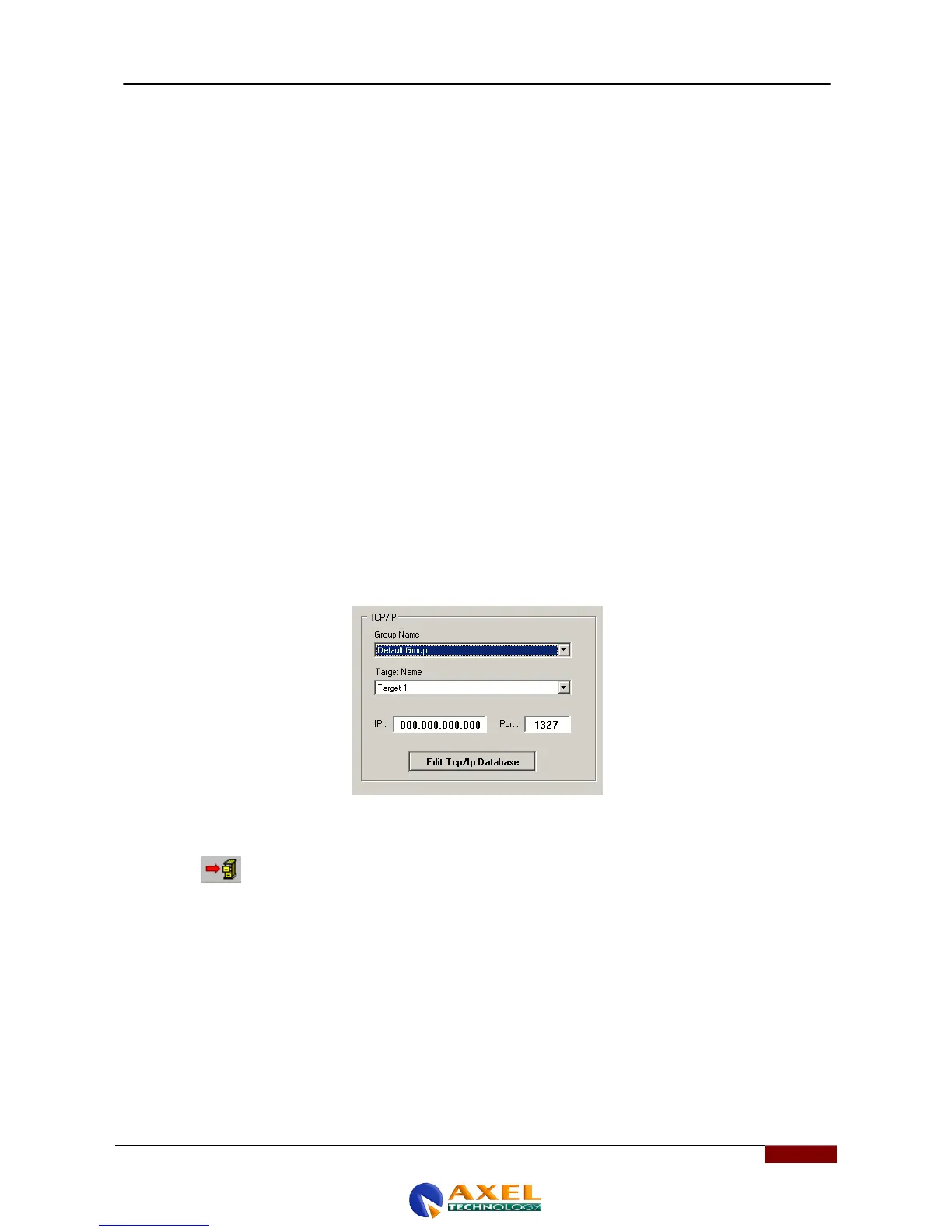
information). Select 'TCP/IP' in the communication channel configuration windows (ComChannel). A screen summarising
the current TCP / IP connection data will appear :
To enter the actual Wolf Network IP address and IP port to connect to, click on [EDIT TCP / IP Database]. The
Configuration Editor program will open. For Editor use, please see the relative section.
Click on the button. The Configuration Editor screen will load the data base of the existing TCP/IP connections
and list them.
More in detail, in the [GROUP_START] section, the editor allows you to enter a 'mnemonic' name for the group to which
you are connecting, plus a name for the specific unit within the group, its IP address and the port associated with it.
;----------------------- Example -------------------------
;
;[GROUP_START]
;
; GROUP_NAME="East-Coast Bridge DPL-01"
;
; WOLF_1="Split 1 - Middle Town", 128.198.076.030 , 2060
; WOLF_2="Split 2 - Route 66", 128.198.035.121 , 3007
; WOLF_3="Split 3 - San Andreas", 128.198.163.002 , 12034
; WOLF_4="Split 4 - Beverly Hills", 128.198.004.100 , 7771
;
;[GROUP_END]



 To Next Page