3. Charging the camera
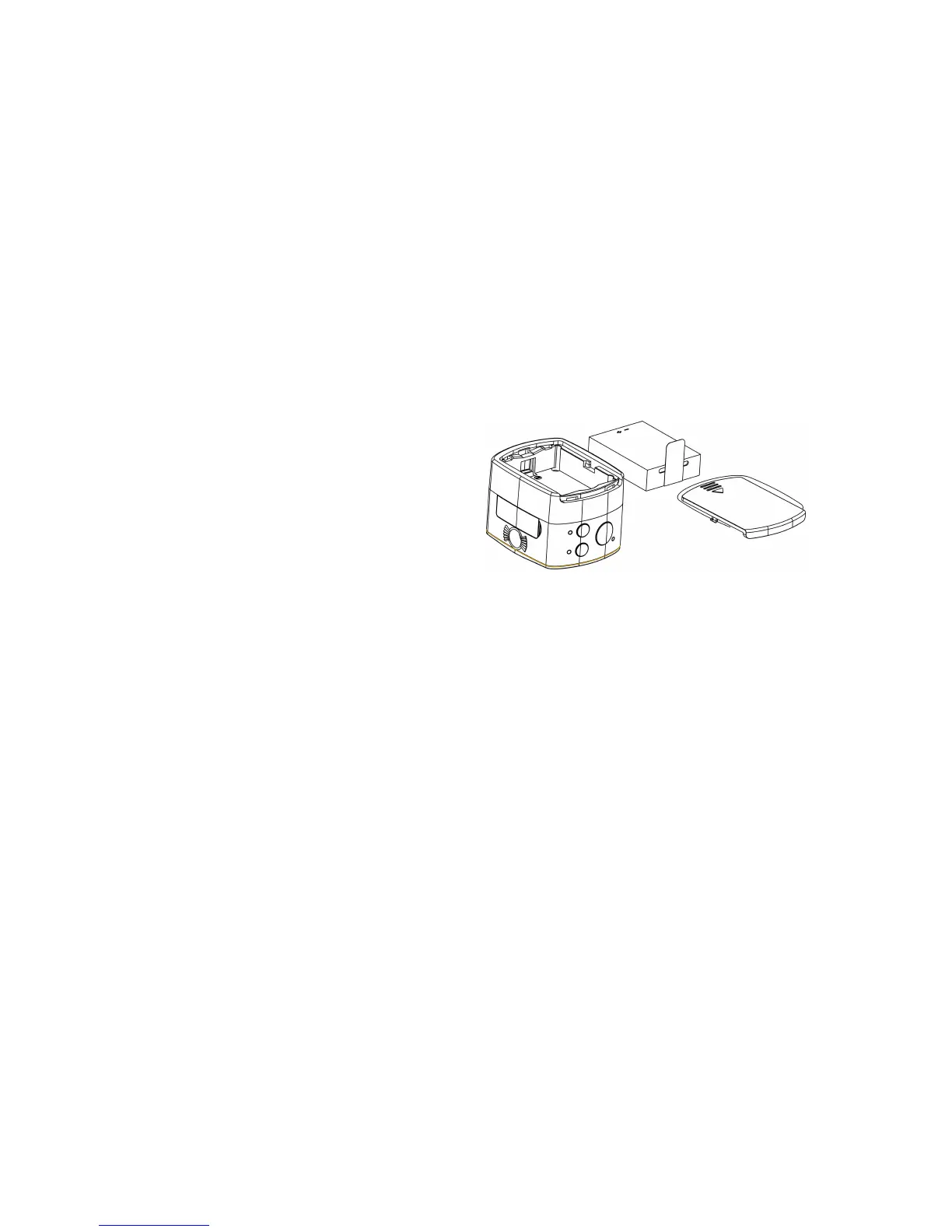
An external chargeable lithium battery is used in this device, and its installation is as shown in the figure below:
Open the cover of the battery:
Mount the battery as per the correct marks
for positive and negative poles;
Then put on the cover of the battery;
In power-off state, connect the device to the USB interface of the computer with a USB cable for charging. The
charging indicator will be in blue in charging. It takes at least 4 hours to complete charging due to current limit
of the USB interface of the computer. After charging is completed, charging indicator will be off.
4. Switch of functional modes


 To Next Page