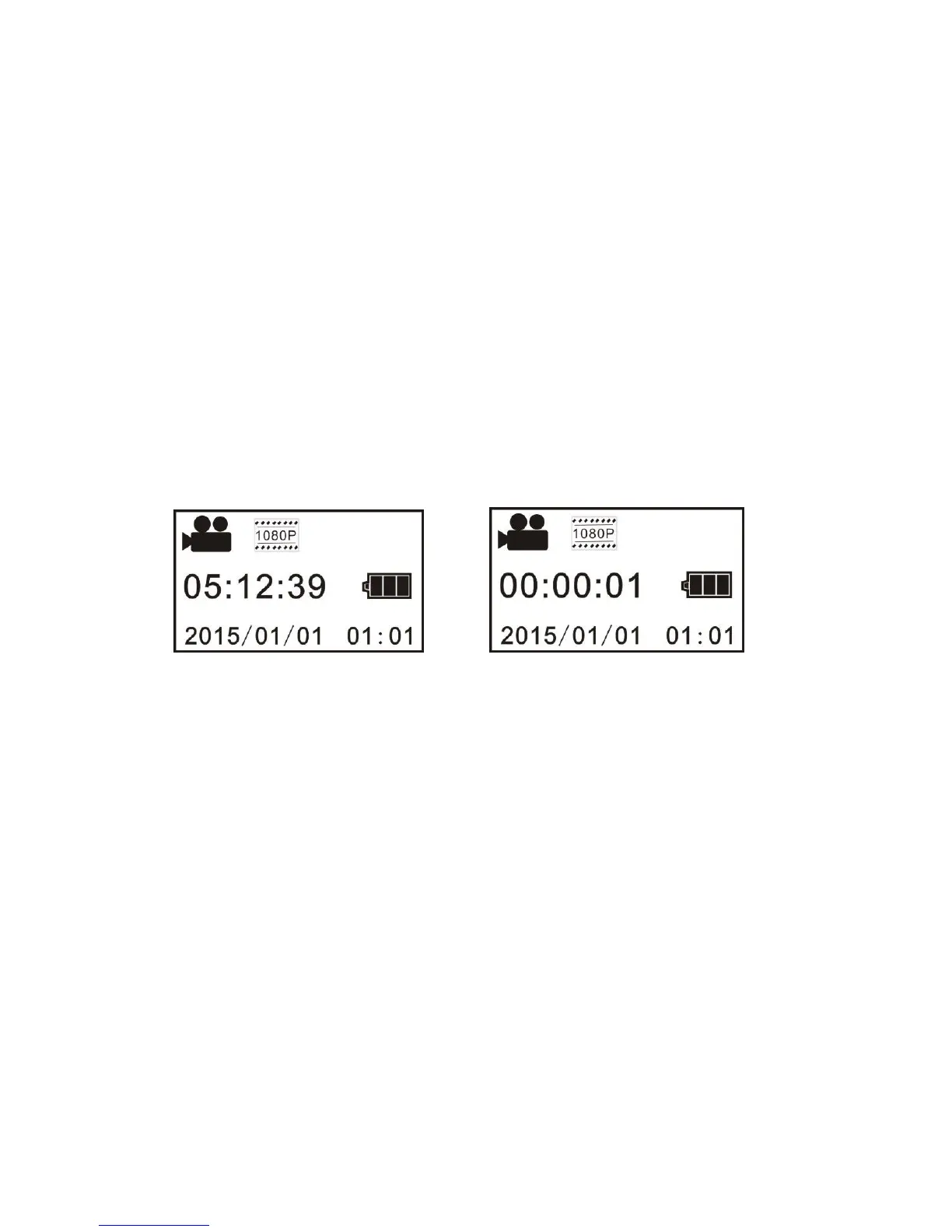
Video recording mode: As illustrated below, press Shutter key to start video recording, accompanied with a
sound from the buzzer. In video recording, Busy indicator will be flashing in red all the time, and LCD timer
will start timing. To stop video recording, press this key again.
Driving mode: In driving mode, video will be recorded in a cycled way, with a passage of video being recorded
for three minutes by default. When the card is full, the file recorded earliest will be deleted automatically so that
video recording can continue. As illustrated below, press Shutter key to start video recording, accompanied
w
ith a sound from the buzzer. In video recording, Busy indicator will be flashing in red all the time, and LCD
Copyright © 2014 Axess Products Corporation. All Rights Reserved


 To Next Page