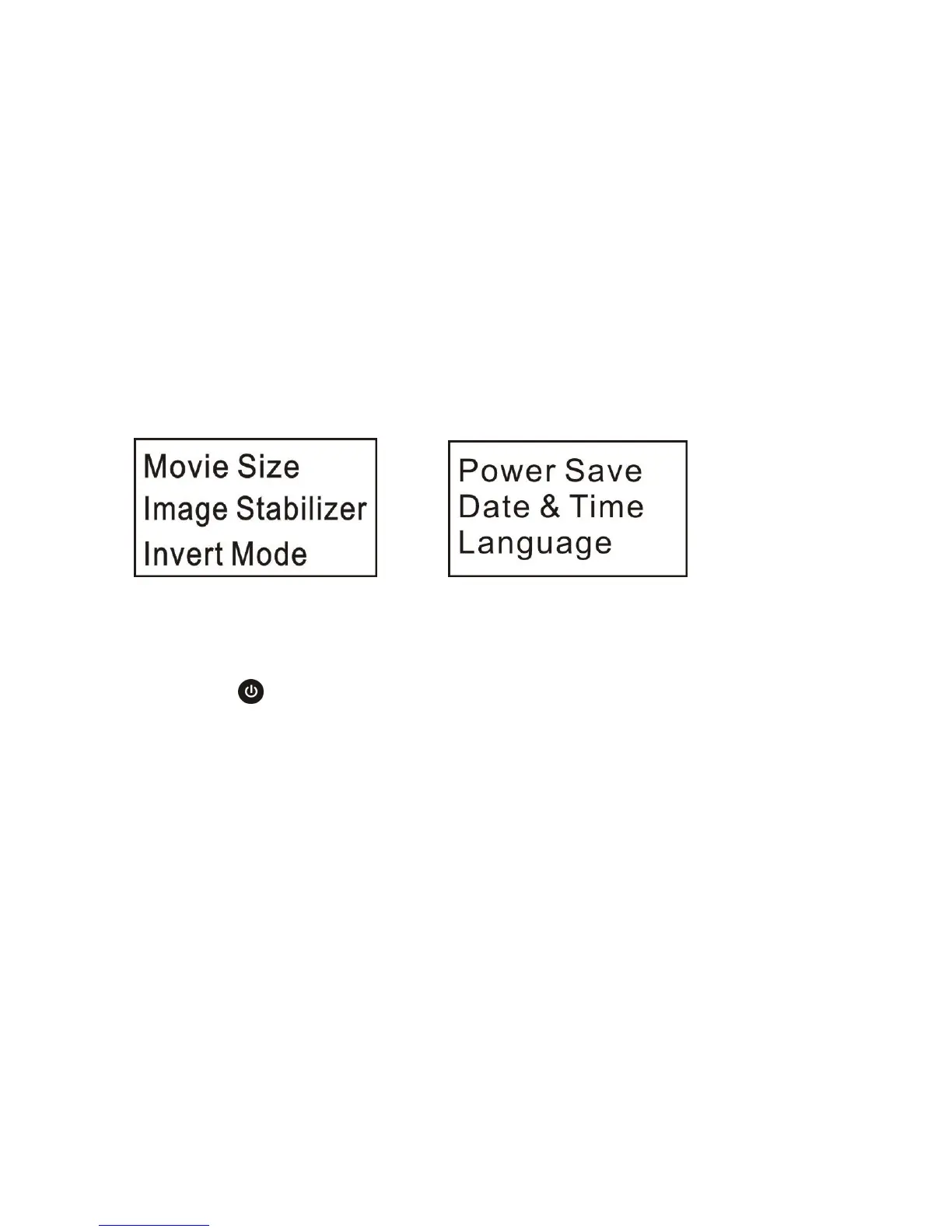
5. Menu operation:
After power is on, hold WIFI key for 2 seconds to activate the menu:
Menu in photographing mode Menu in setting mode
Press Power key to switch between menu in photographing mode and that in setting mode;
Press WIFI key and move the cursor to select on the menu
Press Shutter key to confirm;
Hold WIFI key to cancel setting or exit from the menu;



 To Next Page