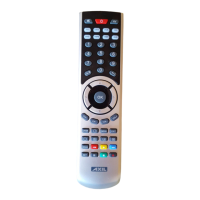
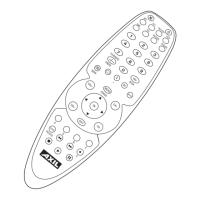
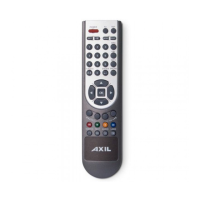
a. Strike the device key that you want to x such as [TV], [TDT], etc
b. Press and hold the [SET] key, then press the [7] key, then release
the both pressed keys, the LED will blink twice then o, the code of
the current device are locked.
c. If you want unlock the current code, press and hold the [SET] key,
Then press the [8] key, then release the pressed keys, the LED will
blink twice and then o, the current code unlocked.
Remark:
Only one device can be xed.
Favorite channel (must be with memorizer )
A, set favorite channels:
1, Press SET + FAV buttons, the current LED button keep lighting,
then enter into the favorite channel setting state;
2. Input favorite channels (press the number buttons, for example
: If you want to set 128 channel to favorite channels, then pressing
the number 1,2,8 button one by one). The LED goes out when press
the button each time which shows o what operating eectively.
3, then press the “FAV” button to conrm channel, LED ashing,
then that channel 128 has been deposited.
4, Repeat the second step to set the next favorite channel, you can
enter a total of 8 favorite channels, when the 8 favorite channel
entry is full, press the “FAV” button after the LED goes out and save
and exit automatically; if the settting favorite channel less than 8
channels, you must press the device button to save and exit;
5, if mistake the input, press the Exit button to cancel the current
favorite channels, you can re-enter the new favorite channel;
6, Enter button can only be entered before you enter the number
button, and can only be set up to 3 months; a favorite channel with
up to ve buttons, if you nish entering the ve buttons ,then it
will save the current input automatically; you can continue to have
a new favorite channel
7 In favorite channel, only the number button, Enter button, Exit
button, FAV button and device button are the eective buttons, the
other buttons are invalid;
B, view favorite channel:
1. Press the “FAV” button to browse all setting favorite channels one
time; the interval of sending codes will be 2 seconds, every time
sending code, the LED will
Flashes correspondly ; every 4 seconds apart between the favorite
channels;
2, in the process of sending codes, press any button to exit the view
state;
3, after a favorite channel eectively overrides the previous setting
of the channel;


 To Next Page