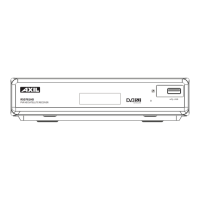
INTRODUCTION
1
1
English
1
2
English
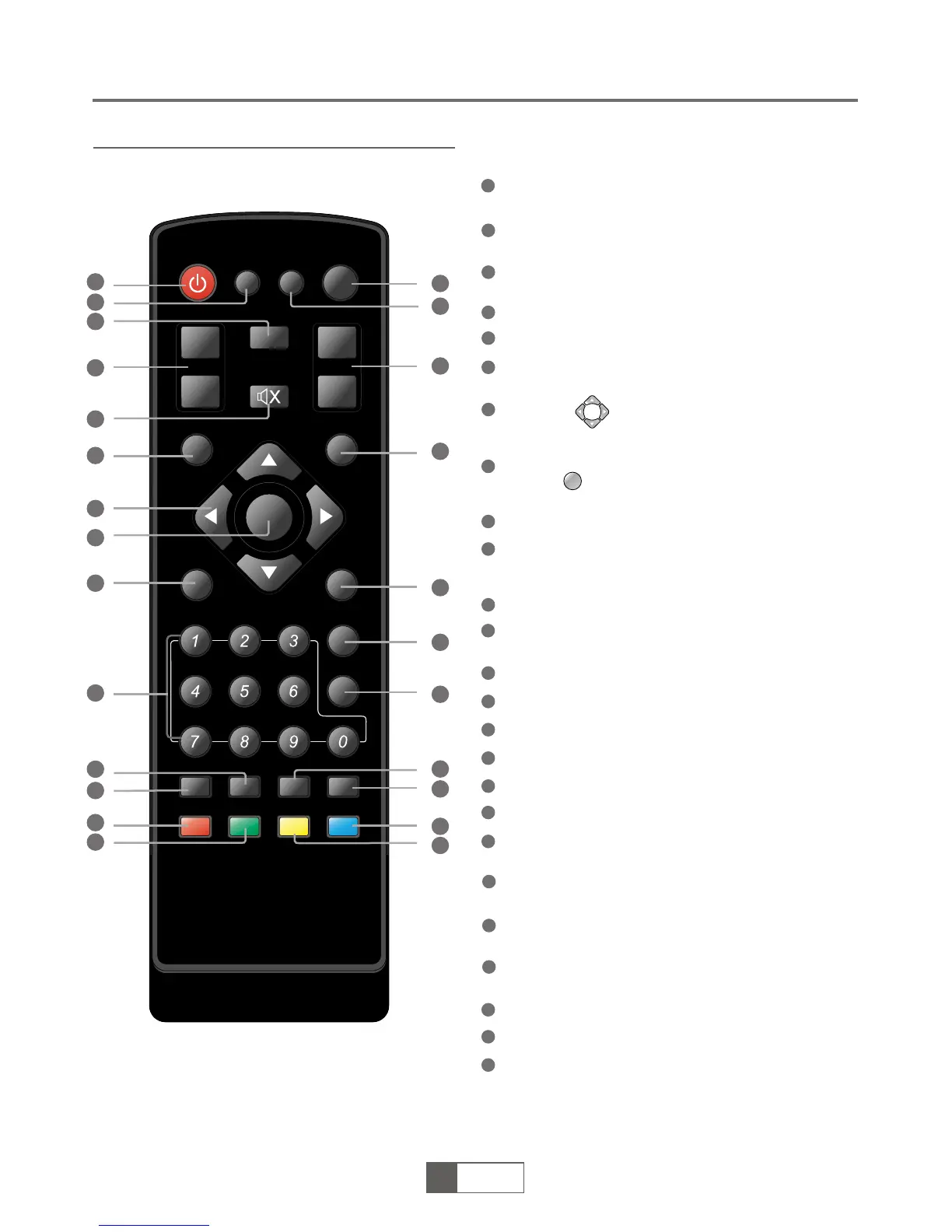
Remote control
Power On/Standby
(Switch the STB ON/STANDBY mode)
INFO
(Press for current channel information)
RECALL
(switch to previous channel)
Channel up/down
MUTE (Turn off the volume)
Menu
(Open up menu)
Cursor ( to select sub-menu from the
main menu ,)
OK button
(Press to enter.
In the game mode, press to pause)
No function
Numeric entry
(Enter numeric values and select the channel directly
by entering it’s number)
PAUSE(Pause the current playback picture)
AUDIO
(Select audio mode and audio track )
Red Button (For interactive function)
Green Button (For interactive function)
No function
SUBTITLE (On/Off Subtitle)
Volume +/- (Turn up/down the volume)
EXIT (Exit from menu)
FAVOURITE
(Open up Favourite list)
PAGE +
(page up)
PAGE -
(page down)
TV/RADIO
(Switch between TV and Radio)
TTX (Open interactive service)
Blue Button (For interactive function)
Yellow Button (For interactive function)
8
9
11
10
12
13
15
14
1
2
3
4
5
6
7
16
17
18
19
20
21
OK
22
23
24
25
STANDBY
RECALL
INFO
SUBTITLE
MENU
OK
EXIT
FAV
PAGE+
AUDIO
TV/RADIO
TTX
PAGE-
PAUSE
CH+
CH-
VOL+
VOL-
MUTE
1
2
3
4
5
6
15
18
19
12
20
21
22
7
8
9
10
11
13
14
16
17
23
24
25



 To Next Page