Chapter 6: Programming Information A794 Owner’s Guide
December 199956
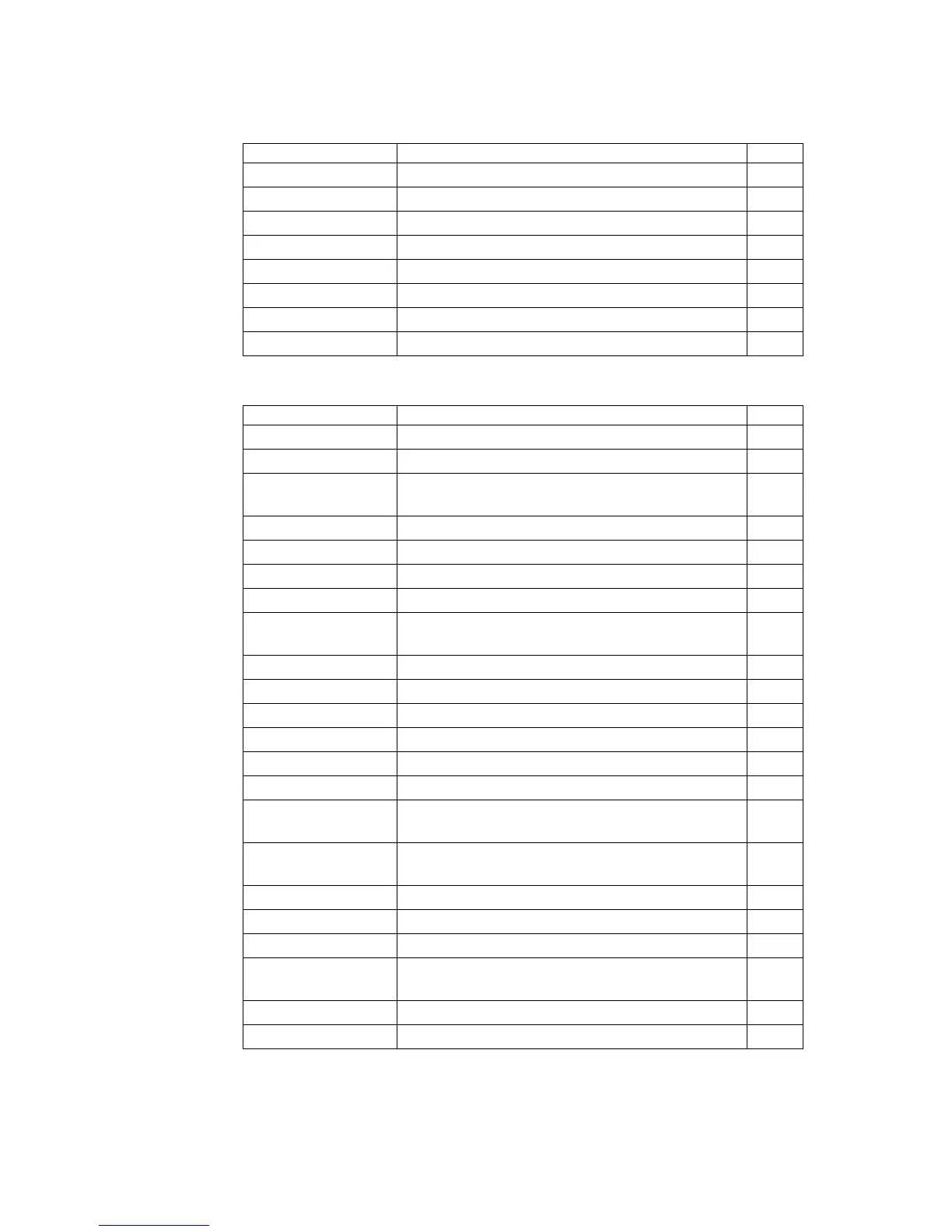
Horizontal Positioning Commands
Code (Hexadecimal Command Page
09 Horizontal Tab 72
1B 14 n Set Column 72
1B 24 nL nH Set Absolute Starting Position 73
1B 44 [n] k 00 Set Horizontal Tabs 74
1B 5C n1 n2 Set Relative Print Position 75
1B 61 n Select Justification 76
1D 4C nL nH Set Left Margin 77
1D 57 nL nH Set Printing Area Width 78
Print Characteristic Commands
Code (Hexadecimal Command Page
12 Select Double-Wide Characters 79
13 Select Single-Wide Characters 79
1B 12 Select 90 Degree Counter-Clockwise Rotated
Print
80
1B 16 n Select Pitch (Column Width) 80
1B 20 n Set Character Right-Side Spacing 81
1B 21 n Select Print Modes 82
1B 25 n Select or Cancel User-Defined Character Set 83
1B 26 s c1 c2
d1…dn
Define User-Defined Characters 83
1B 2D n Select or Cancel Underline Mode 84
1B 3A 30 30 30 Copy Character Set from ROM to RAM 85
1B 3F n Cancel User-Defined Characters 85
1B 45 n Select or Cancel Emphasized Mode 86
1B 47 n Select Double Strike 86
1B 49 n Select or Cancel Italic Print 87
1B 52 n Select International Character Set and Select
Character Code Table
87
1B 56 n Select or Cancel 90 Degrees Clockwise Rotated
Print
88
1B 74 n Select International Character Set 87
1B 7B n Select or Cancel Upside Down Printing Mode 88
1D 21 n Select Character Size 88
1D 42 n Select or Cancel White/Black Reverse Print
Mode
90
1D 62 n Select or Cancel Smoothing Mode 90
1F 05 n Select Superscript or Subscript Modes 91


 To Next Page