RTP120 All-in-One 12.1” TFT LCD Panel PC User’s Manual
Hardware Installation
18
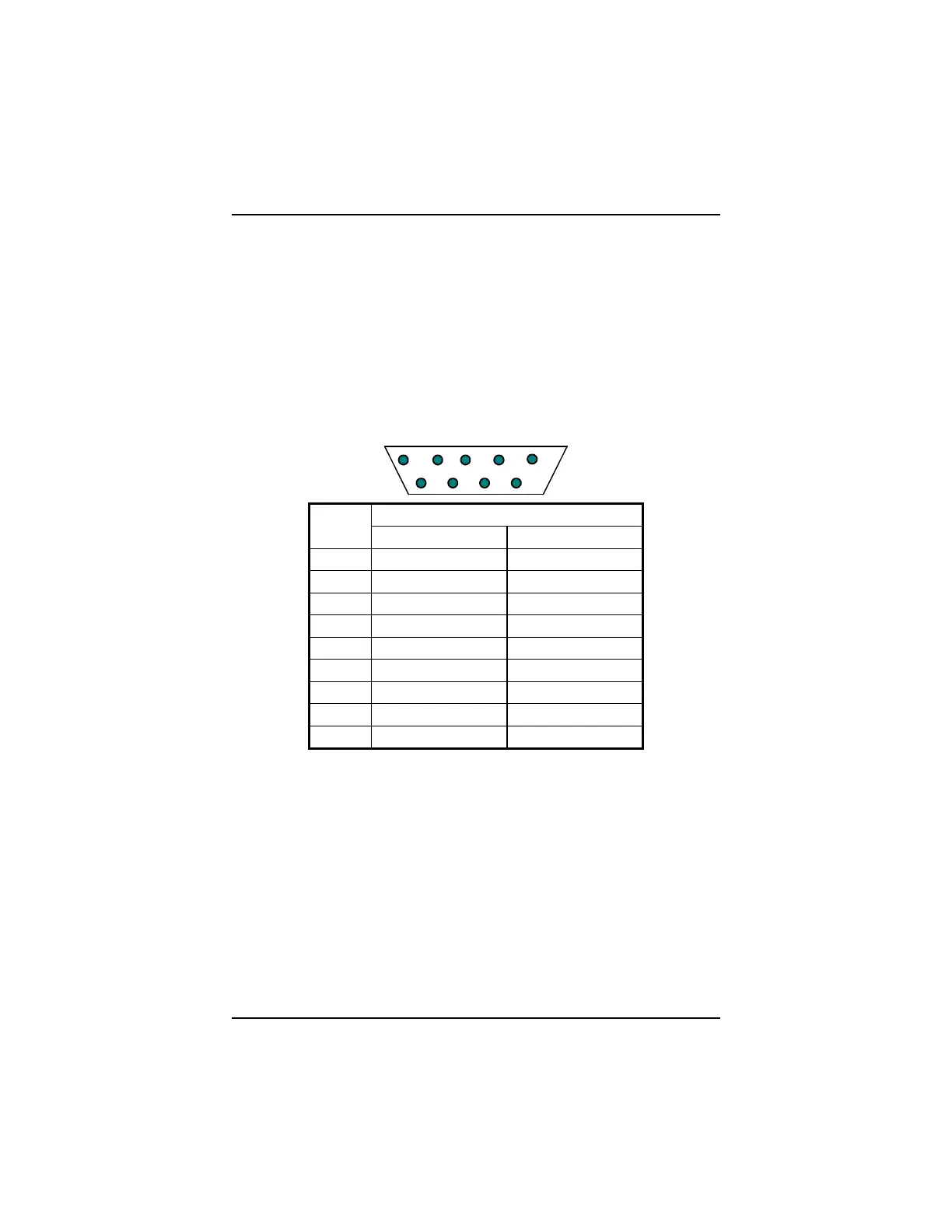
3.4 Three Serial Ports
The RTP120 series provides three onboard serial ports installed on
the bottom rear side of the chassis. Arrangements on RTP120 series
specify COM1, COM4 providing RS-232 interface, and with its
RS-422/485 interface connected to COM2. Each serial port comes
with +5V/+12V power capabilities on both Pin 1 and Pin 9, ready to
accommodate a wide array of serial devices such as fax modem,
scanner, serial mouse, touch screen...etc. If the touch screen option is
included, its controller will share COM3.
12 3 4 5
6789
Signal Name
Pin #
R2-422 RS-485
1 TX- DATA-
2 TX+ DATA+
3 RX+ No connector
4 RX- No connector
5 GND GND
6 No connector No connector
7 No connector No connector
8 No connector No connector
9 No connector No connector
3.5 Parallel Port
The printer interface is a 25-pin D-SUB connector located at the
bottom side. To connect any parallel device, just plug in the device
connector to the 25-pin D-SUB.



 To Next Page