AXISP13NetworkCameraSeries
Additionalsettings
Additionalsettings
Needmorehelp?
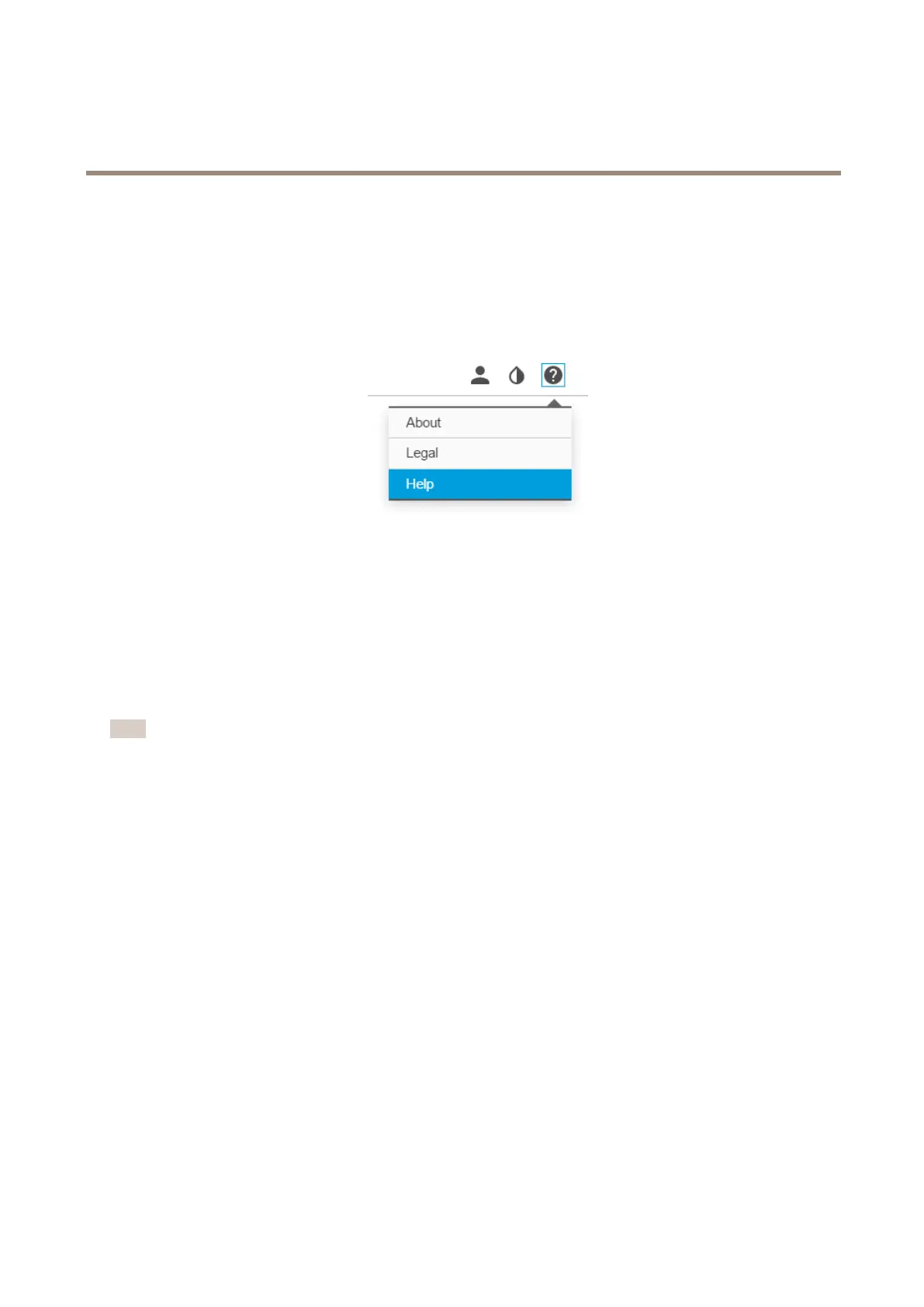
Youcanaccessthebuilt-inhelpfromthedevice’swebpage.Thehelpprovidesmoredetailedinformationonthedevice’sfeaturesand
theirsettings.
Replacethelens
1.Stopallrecordingsanddisconnectpowerfromtheproduct.
2.Disconnectthelenscableandremovethestandardlens.
3.Attachthenewlensandconnectthelenscable.
4.Reconnectthepower.
5.Logintotheproduct’swebpage,gototheImagetabandthenselecttheP-Irislensyouhaveinstalled.
Note
IfyouuseaDCirislens,selectGenericDCIris.
6.Forthechangestotakeeffect,youneedtorestartthedevice.GotoSystem>MaintenanceandclickRestart.
7.Adjustthezoomandfocus.
8.Loosenthefourspringloadedthumbscrews.
9.UsetheIK10tooltosetthedistancebetweenthewindowandthelens.
10.Tightenthefourthumbscrews.
7



 To Next Page