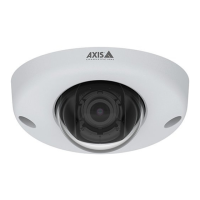
AXISQ6315-LEPTZCamera
Additionalsettings
1.GotoSettings>OverlayandclickCreateoverlay.
2.SelectTextandclickCreate.
3.Inthetexteld,type#xtoshowthepanposition.
Type#ytoshowthetiltposition.
4.Chooseappearance,textsize,andalignment.
5.Thecurrentpanandtiltpositionsshowupintheliveviewimageandintherecording.
Addstreetnamesandcompassdirectiontotheimage
Note
Thestreetnameandcompassdirectionwillbevisibleonallvideostreamsandrecordings.
Activatethecompassring
1.GotoSettings>Apps.
2.SelectOrientationAidPTZ.
3.StarttheapplicationandclickOpen.
4.Positionthecameraviewatnorthwiththecrosshair.ClickSetnorth.
Addapresetposition
1.GotoSettings>PTZ.
2.Usethecrosshairtopositiontheviewwhereyouwanttoaddapresetposition.
3.Clickthe+tocreateanewpresetposition.
Adjustthecameraview(PTZ)
Tolearnmoreaboutdifferentpan,tilt,andzoomsettings,seePan,tilt,andzoom(PTZ)onpage20.
12



 To Next Page