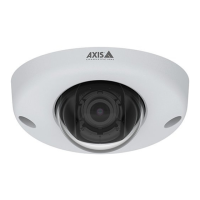
AXISQ6315-LEPTZCamera
Specifications
ForSDcardrecommendations,seeaxis.com.
SD,SDHC,andSDXCLogosaretrademarksofSD-3CLLC.SD,SDHCandSDXCaretrademarksorregistered
trademarksofSD-3C,LLCintheUnitedStates,othercountriesorboth.
Buttons
Controlbutton
Thecontrolbuttonisusedfor:
•Resettingtheproducttofactorydefaultsettings.SeeResettofactorydefaultsettingsonpage23.
Powerbutton
Thepowerbuttonisusedwiththecontrolbuttontoresetthecameratofactorydefaultsettings.Seepage23.
Connectors
Networkconnector
RJ45Push-pullConnector(IP66)withHighPoweroverEthernet(HighPoE).
NO NO
NO
TICE TICE
TICE
TocomplywiththeIP66-rateddesignofthecameraandmaintaintheIP66protection,thesuppliedRJ45Push-pullConnector
(IP66)shallbeused.Alternatively,usetheRJ45IP66-ratedcablewithpremountedconnectorwhichisavailablefromyour
Axisreseller.Donotremovetheplasticnetworkconnectorshieldfromthecamera.
28



 To Next Page