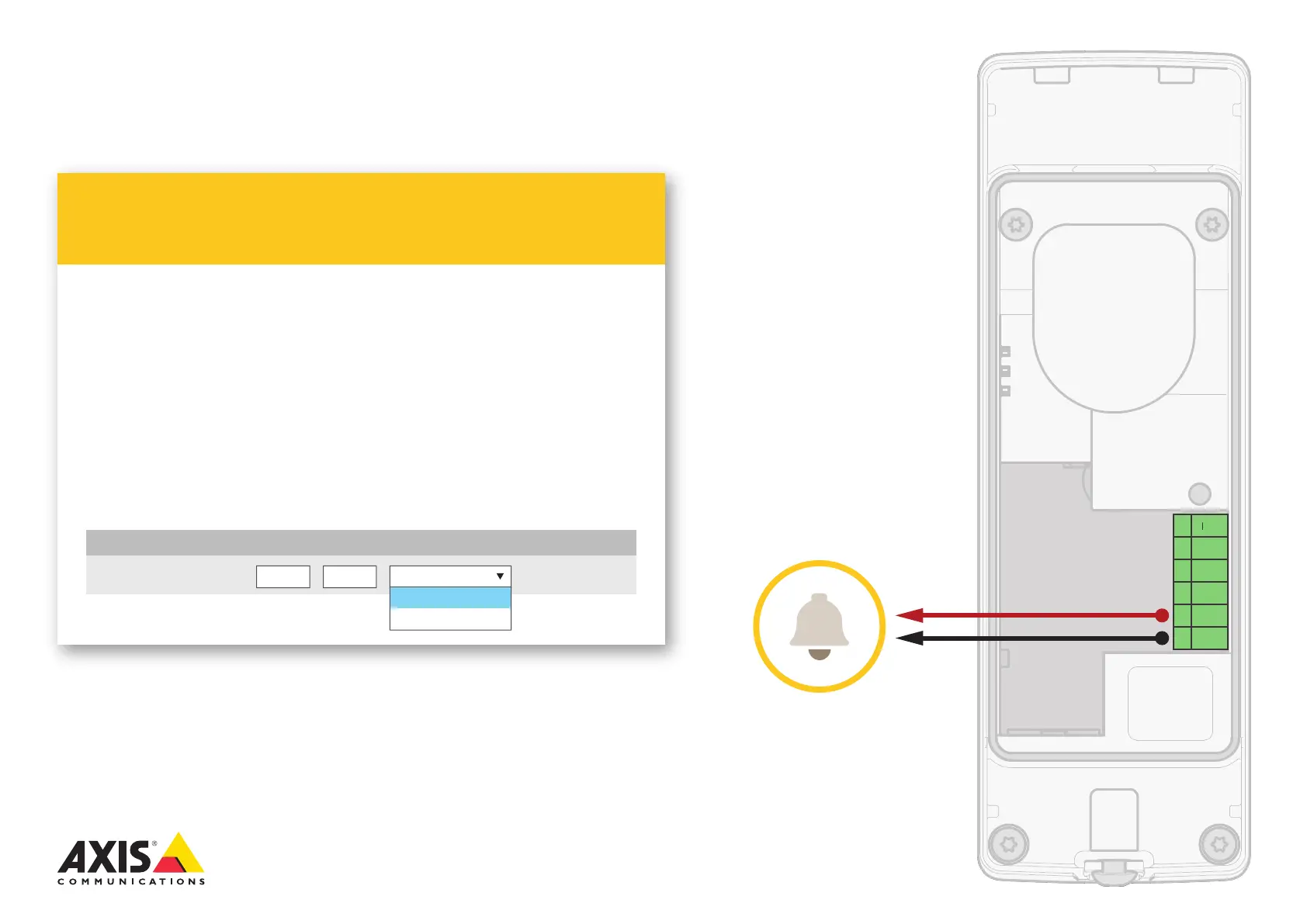
AXIS A8105-E installation
Potential-free relay
Relay Door DoorRELAY
Name Port TypeI/O Usage Normal state is... Current Status
Open circuitOpen circuit
Open circuit
Closed circuit
To check relay state, go to:
Setup > System Options > Ports & Devices > I/O ports
Depending on your lock type, congure the following values
for RELAY, and click Save.
Open circuit for a fail-secure lock
Closed circuit for a fail-safe lock
1.
2.
Configure relay state in AXIS A8105-E built-in
web pages
12V l01 l02
CO
NO/
NC
Potential-free
contact



 To Next Page