gf2
Configure the AXIS Network Video Doorstation for the CyberGate serviceCyberTwice
2
AXIS Network Video Doorstation
For this document the AXIS A8105-E Network Video Doorstation (from now on named ‘AXIS’) is
used to connect to the CyberGate service (from now on named ‘CyberGate’).
This manual also applies to the following Axis Video Doorstations:
• Axis A8004-VE
• Axis A8207-VE
• Axis I8016-LVE
Follow the next steps to configure the AXIS to connect it to CyberGate.
Connect the AXIS
Connect the AXIS to the network, power it on and open a webbrowser to its IP-address.
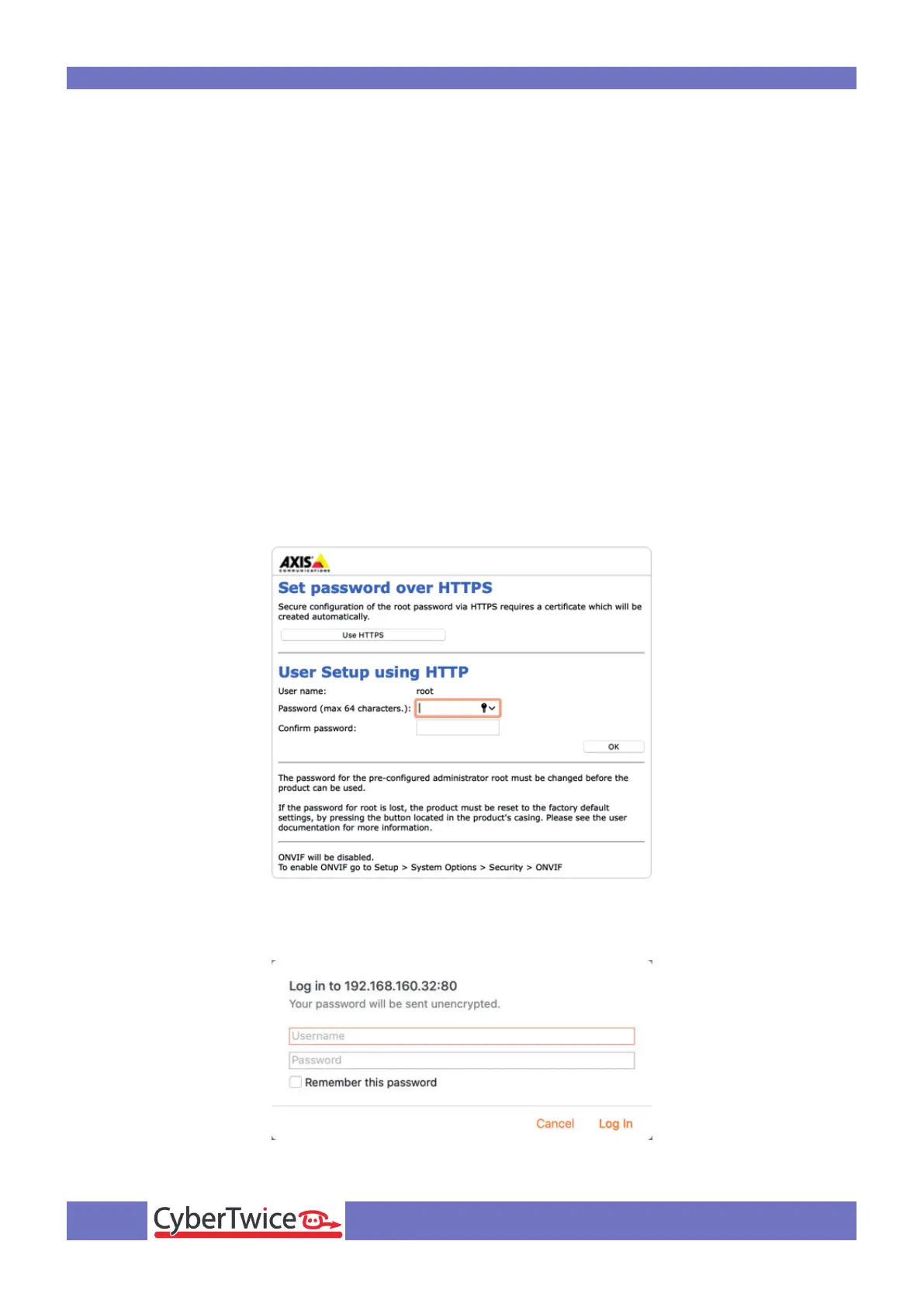
Create a password for the ‘root’ user and click ‘OK’
Login as ‘root’ with the just created password



 To Next Page