AXISAudioManagerPro
Getstarted
Getstarted
Installation
InstallAXISAudioManagerPro:
1.Gotoaxis.com/products/axis-audio-manager-pro.
2.Downloadandruntheinstallationle.
3.SelectacerticateandclickNext.
-Ifyoudon’thaveacerticate,thenselectSelf-signedcerticate.
Note
Whenusingaself-signedcerticateyouwillbepromptedthersttimeyoustartAXISAudioManagerPro4andaskedtoadd
asecurityexceptioninyourbrowser.Allyouneedtodoistoacceptthesecurityexceptionandyouwillnotbepromptedagain.
Ifyouwanttoreplaceyourcerticateinthefuture,gotoSystemsettings>Securityinthewebclient.
Formoreinformationaboutcerticates,seeCerticatemanagement.
4.ClickFinish.
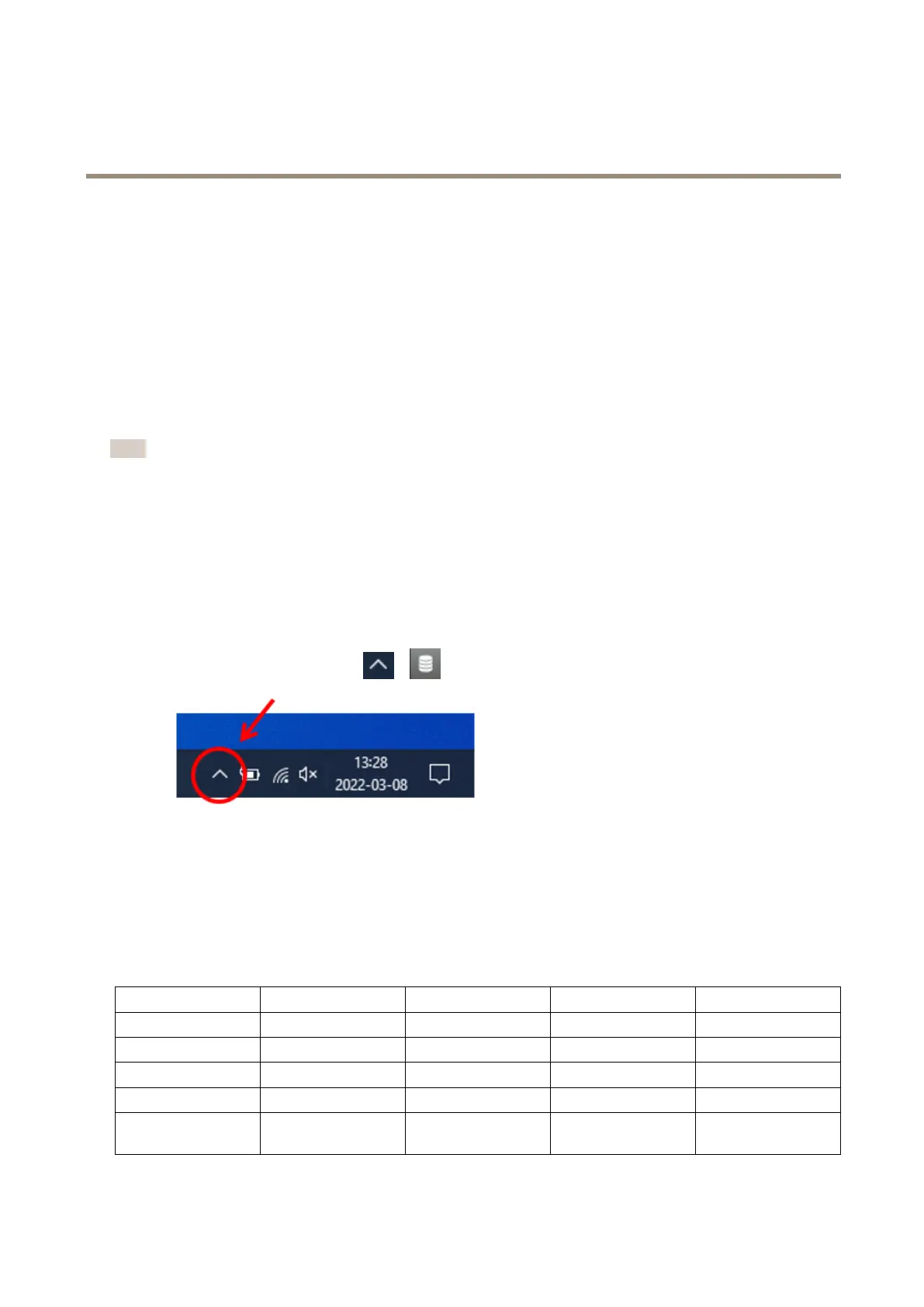
Starttheapplication
1.OntheWindowssystemtray,click
>>OpenAXISAudioManagerProClient.
2.Enterpasswordandlogin.
Congurethenetwork
AlldevicesmustbeconnectedtothesamemulticastdomainastheserverthatAXISAudioManagerProisinstalledon.
Audiostreamingbetweentheserverandallthedevicesusemulticast.Thedefaultrangeis239.0.0.0-239.0.0.254.
Makesureyouhavereservedenoughbandwidth.Themaximumconsumptionforeachmulticaststreamis443kbps.
Port
TCP
UDPAdjustableDescription
443
xx
WebUI
1
5433
xx
Systemport
2
6992
x
Systemport
3
6999
x
Systemport
6999
x
Systemport(multicast
audiostreaming)
4



 To Next Page