OPERATING INSTRUCTIONS
1. POWER ON/OFF
Press any key to power the unit. Press and hold to turn off.
2. SELECT
3. VOLUME UP/DOWN
VOLUME UP/DOWN
Turing the VOL knob to right or left (3) to control the VOLUME. To select other functions, hold the
VOL knob down until the desired functions is shown on the display. Figure 1 shows how control
functions are selected using the SEL button.
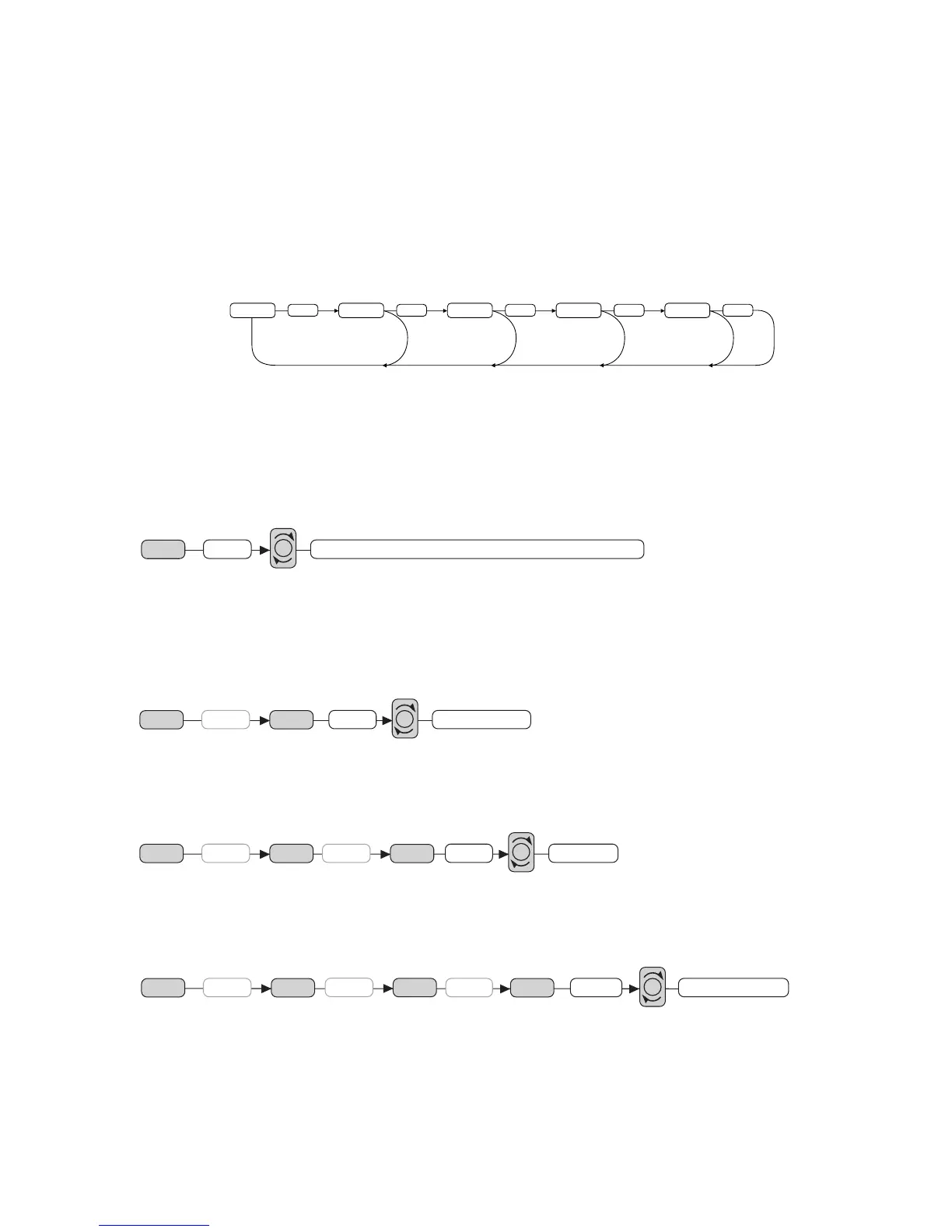
Fig. 1 Selection of sound control functions
1. VOLUME 2. SELECT 3. BASS 4. TREBLE 5. BALANCE 6. FADER
These buttons can be used to adjust the BASS, TREBLE, BALANCE and FADER.
AUDIO DSP (DIGITAL SOUND PROCESSOR) CONTROLS (2)
Press the SEL button for more than 2 seconds to activate the following DSP modes.
DSP can be selected by turning the VOL knob to right or left (3)
POP M---ROCK M---CLASS---FLAT M---DSP OFF
ESP MODE (2)
Press the SEL button for more than 2 seconds. Electronic Shock Protection mode is activated for 12
sec. or 45 sec. (as selected) for CD.
Note: 12 sec./45 sec. for CD, 120 sec is selectable. MP3 is automatic.
BEEP MODE (2)
Press the SEL button for more than 2 seconds to activate or mute beep mode n the sequence below.
BEEP ON: BEEP sound can be heard whenever a function button is pressed.
SEEK MODE (2)
Press the SEL button for more than 2 seconds to activate this function.
SEEK 1: When SEEK 1 mode is activated, AUTO SEEK SCAN stops when station is detected.
SEEK 2: Auto SEEK SCAN continues when stations are detected if SEEK button is pressed. Upon
release SEEK function stops when station is detected.



 To Next Page