12
Changing languages
Note:
All audible languages must be pre-recorded on the DVD. Some DVDs only allow
language access through the DVD menu.
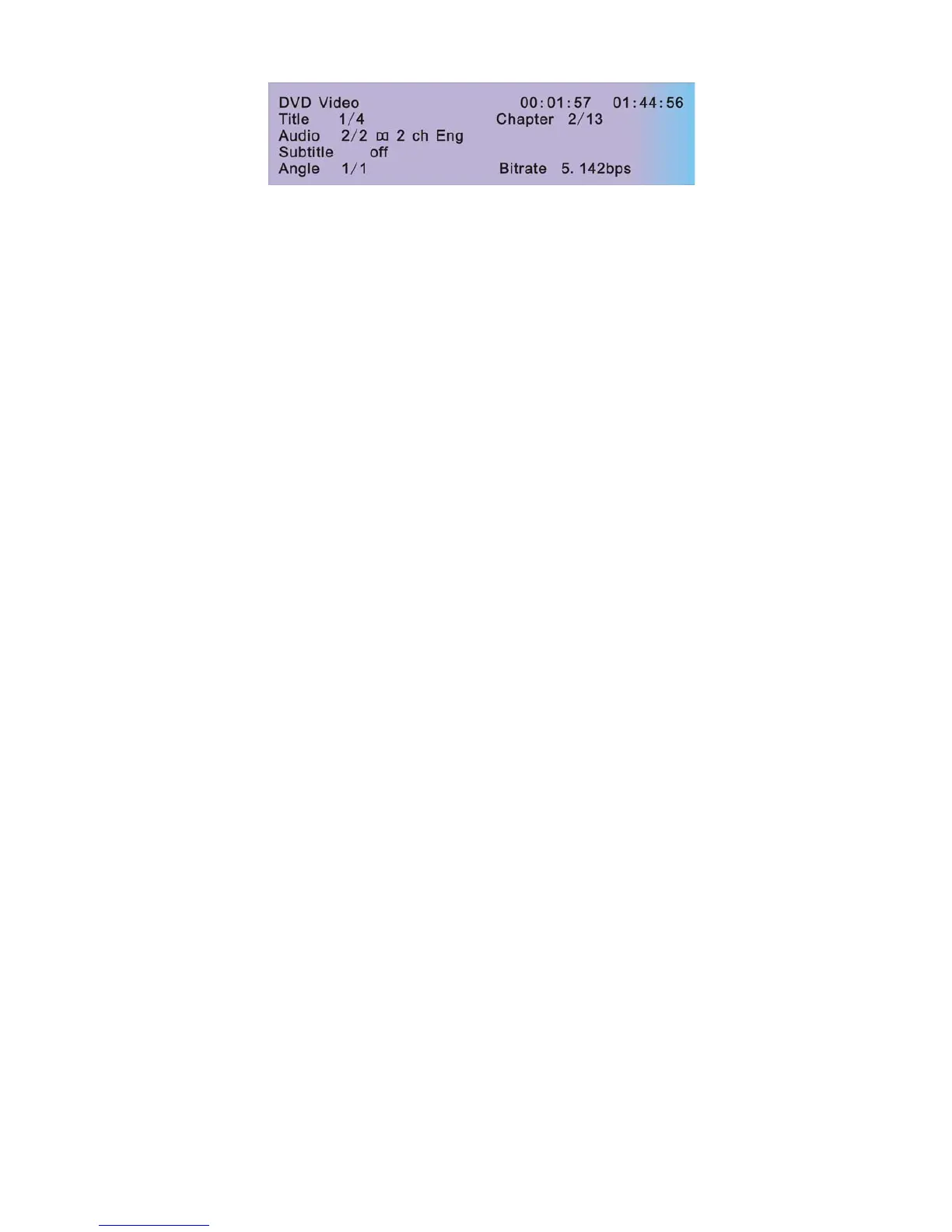
z To change the audible language, press the AUDIO button on the remote. The player
displays the current language number and name, and the total number of languages
available.
z To cycle through all available languages, continue pressing the AUDIO button. The audio
information disappears automatically if you wait three seconds.
Using subtitles
Language subtitles are normally off.
Note:
Subtitles must be on the DVD. Some DVDs only allow subtitle access through the DVD
menu.
z To turn subtitles on, press the SUBTITLE button.The player displays the current
language number and name, and the total number of languages for which subtitles are
available.
z If the DVD provides subtitles in multiple languages, continue pressing the SUBTITLE
button to change the subtitle language.
z To turn subtitles off, press the SUBTITLE button until the screen displays “subtitle off”,
The display of the subtitle options disappears automatically if you wait for three
seconds.
Repeating DVD chapters and titles
To repeat a chapter or title, during playback continue pressing REPEAT to alternate among
options.
• Chapter--- repeats the current chapter.
• Title ---repeats the current title.
• All ---cycles play all chapters and title.
• Off--- resumes normal playback.
Repeating favorite sections
To repeat a favorite section you must first mark where it begins and ends.



 To Next Page