5
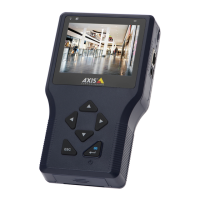
Looking up at the player with the LCD panel close
Quick reference to controls with monitor closed
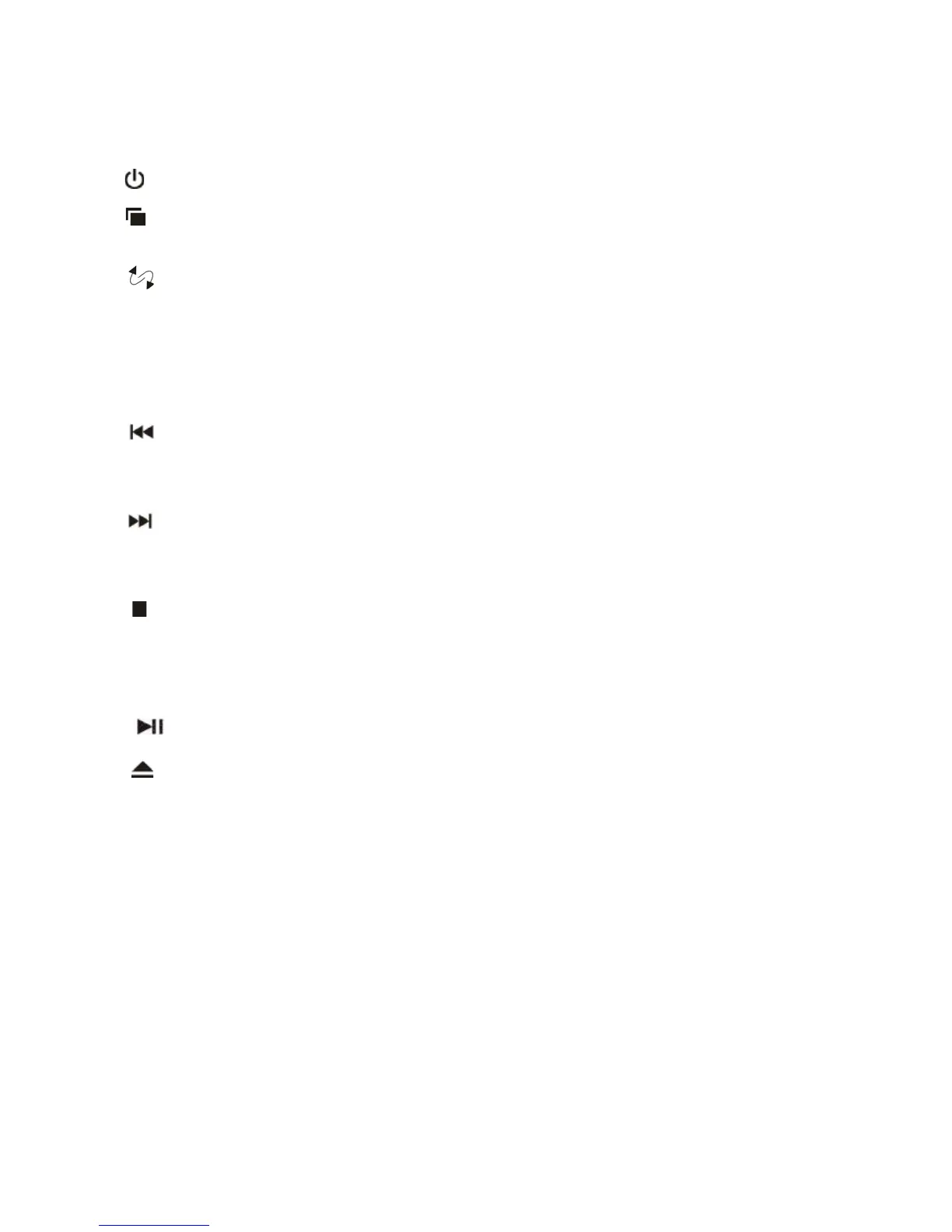
Power button Press to turn on or turn off the player.
Menu button Open the Display menu. Press again to sequentially select each menu
item.
Audio/Video input Select the video input source: DVD, AV IN1,AV IN2 , USB .
.
button Decrease volume during playback .
Ʒbutton Increase volume during playback .
Fast reverse button Skips to the previous chapter on a DVD or track on a CD; Press
and hold to fast reverse at 2x,4x,8x, and 16x speeds.In the
MENU mode, press to reduce a value.
Fast Forward button Skips to the next chapter on a DVD or track on a CD; Press and
hold to fast forward at 2x,4x,8x, and 16x speeds. In the MENU
mode, press to increase a value.
Stop button Press once to stop playback. Then, to resume where the player left off,
press the play/pause button.
Press this button twice to fully stop playback. Then, to start playing at
the beginning of the disc, press the Play/Pause button.
Play/Pause button Plays or pauses the disc.
Eject button Ejects the disc.
Open button Open the LCD panel
Dome light switch Configures the dome light: ON, OFF or door activated. To manually
turn the light on or off, move this switch to the ON or OFF position. In
the door-activated position, the dome light turns on and off when you
open and close the car door.



 To Next Page