07/17
4
ƽ Maintenance
1. Remove all cable connections from the monitor before cleaning the device.
2. Use a mild household detergent and clean the unit with a slightly damp, soft cloth.
Never use strong solvents such as thinners or benzine.
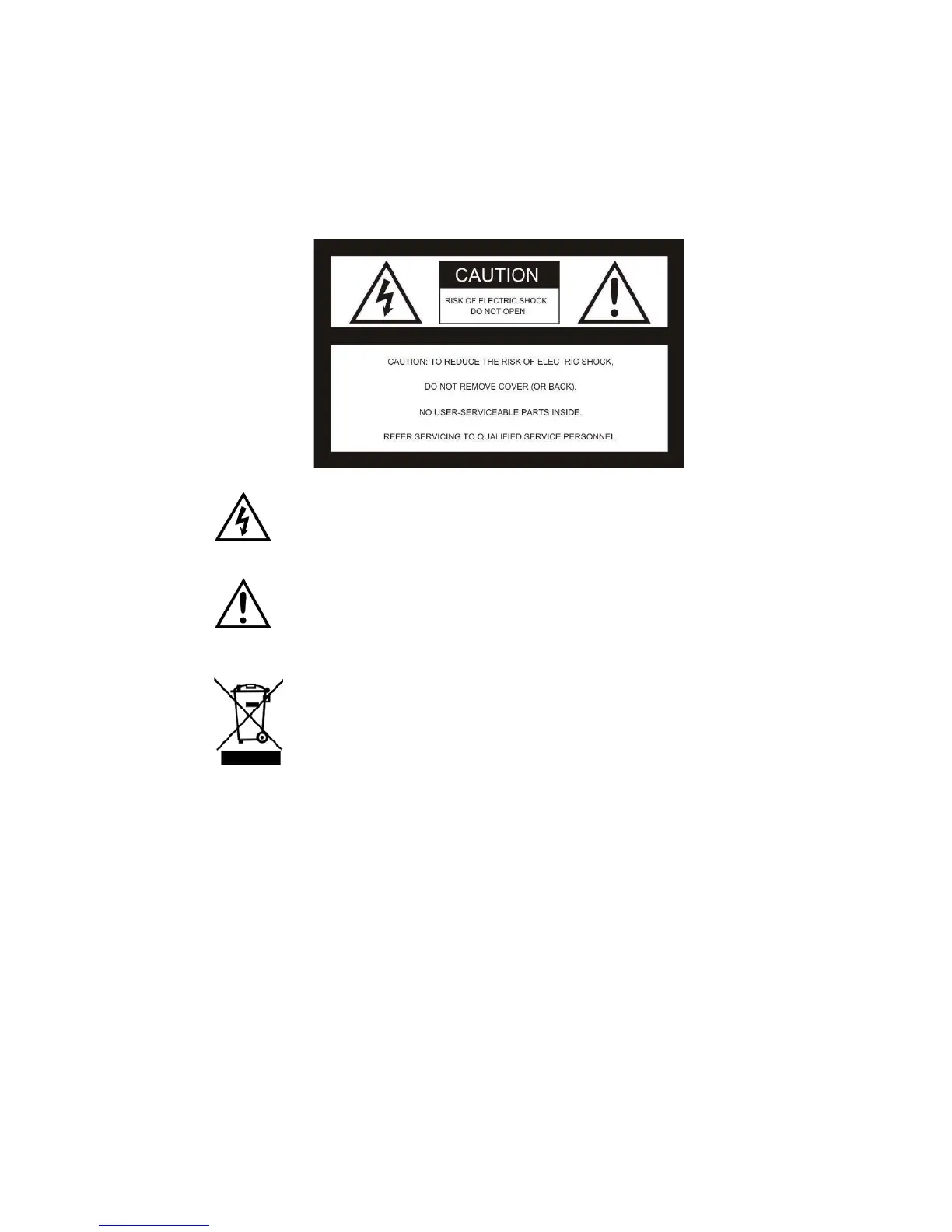
This symbol is intended to alert the user to the presence of uninsulated
“dangerous voltage” within the product that may be of sufficient magnitude to
constitute risk of electric shock.
This symbol is intended to alert the user to the presence of important
operating and maintenance (servicing) instructions in the literature
accompanying the appliance.
This symbol is intended to alert the user to correctly dispose of used
electronic equipment.
CAUTION
Any changes or modifications not expressly approved in this manual could void your
warranty and necessitate expensive repairs.


 To Next Page