AXISM3104-LVENetworkCamera
AccesstheProduct
Selectthepowerlinefrequency(50Hzor60Hz)usedatthelocationoftheAxisproduct.Selectingthewrongfrequencymaycause
imageickeriftheproductisusedinuorescentlightenvironments.
Whenusing50Hz,themaximumframerateislimitedto25fps.
Note
Powerlinefrequencyvariesdependingongeographicregion.TheAmericasusuallyuse60Hz,whereasmostotherpartsof
theworlduse50Hz.Localvariationscouldapply.Alwayscheckwiththelocalauthorities.
TheLiveViewPage
ThecontrolsandlayoutoftheLiveViewpagemayhavebeencustomizedtomeetspecicinstallationrequirementsanduser
preferences.Consequently,someoftheexamplesandfunctionsfeaturedheremaydifferfromthosedisplayedinyourownLiveView
page.Thefollowingprovidesanoverviewofeachavailablecontrol.
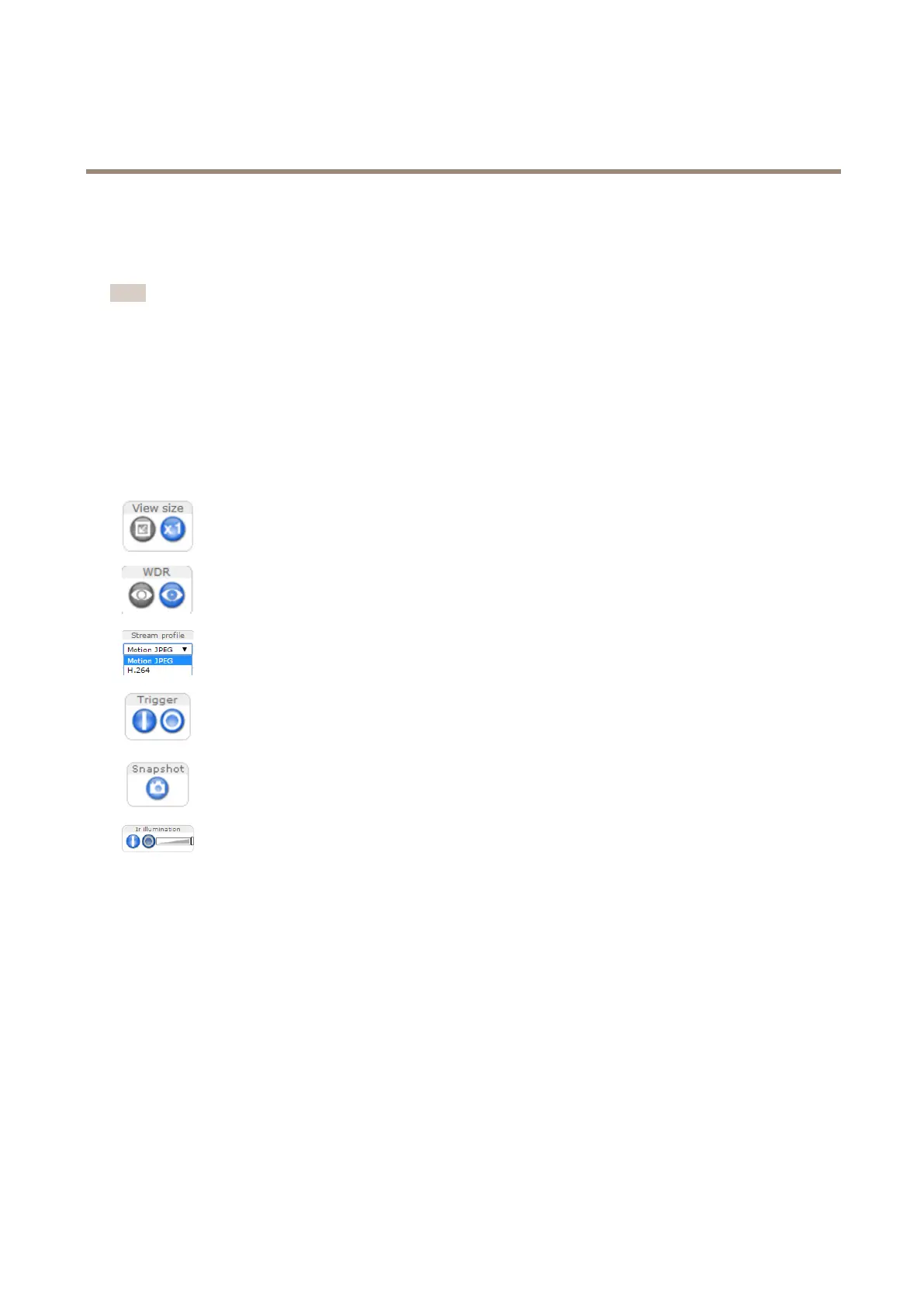
ControlsontheLiveViewPage
ClicktheViewsizebuttonstoshowtheimageinfullsize(rightbutton)ortoscaledowntheimageto
tthebrowserwindow(leftbutton).
ClickWDRontoenableWDRinintensebacklightconditions.ClickWDRofftodisableWDRinlow
lightconditionsforoptimalexposure.
SelectastreamprolefortheLiveViewpagefromtheStreamProledrop-downlist.Forinformation
abouthowtocongurestreamproles,seepage19.
UsetheManualTriggerbuttontotriggeranactionrulefromtheLiveViewpage.Forinformationabout
howtocongureandenablethebutton,seeManualTriggeronpage1 1.
ClickSnapshottosaveasnapshotofthevideoimage.Thisbuttonisprimarilyintendedforusewhen
theAXISMediaControlviewertoolbarisnotavailable.EnablethisbuttonfromLiveViewCong>
ActionButtons.
Activateorde-activateIRilluminationfromSetup>Video>CameraSettings.Enablethisbuttonfrom
LiveViewCong>ActionButtons.
MovetheslidertoincreaseordecreasetheintensityoftheLEDs.
ManualTrigger
TheManualTriggerisusedtotriggeranactionrulefromtheLiveViewpage.Themanualtriggercanforexamplebeusedto
validateactionsduringproductinstallationandconguration.
Tocongurethemanualtrigger:
1.GotoSetup>Events.
2.ClickAddtoaddanewactionrule.
3.FromtheTriggerdrop-downlist,selectInputSignal.
4.Fromtheseconddrop-downlist,selectManualTrigger.
5.Selectthedesiredactionandconguretheothersettingsasrequired.
Formoreinformationaboutactionrules,seeEventsonpage38.
11



 To Next Page