AXISM31Series
Setup
1.Dependingonyourproduct,turnthecameraorthe3–axislensinthecamera90°or270°.
2.GotoSettings>Stream>Orientationontheproduct’swebpageandrotatetheview90°or270°.
Findoutmoreataxis.com/axis-corridor-format
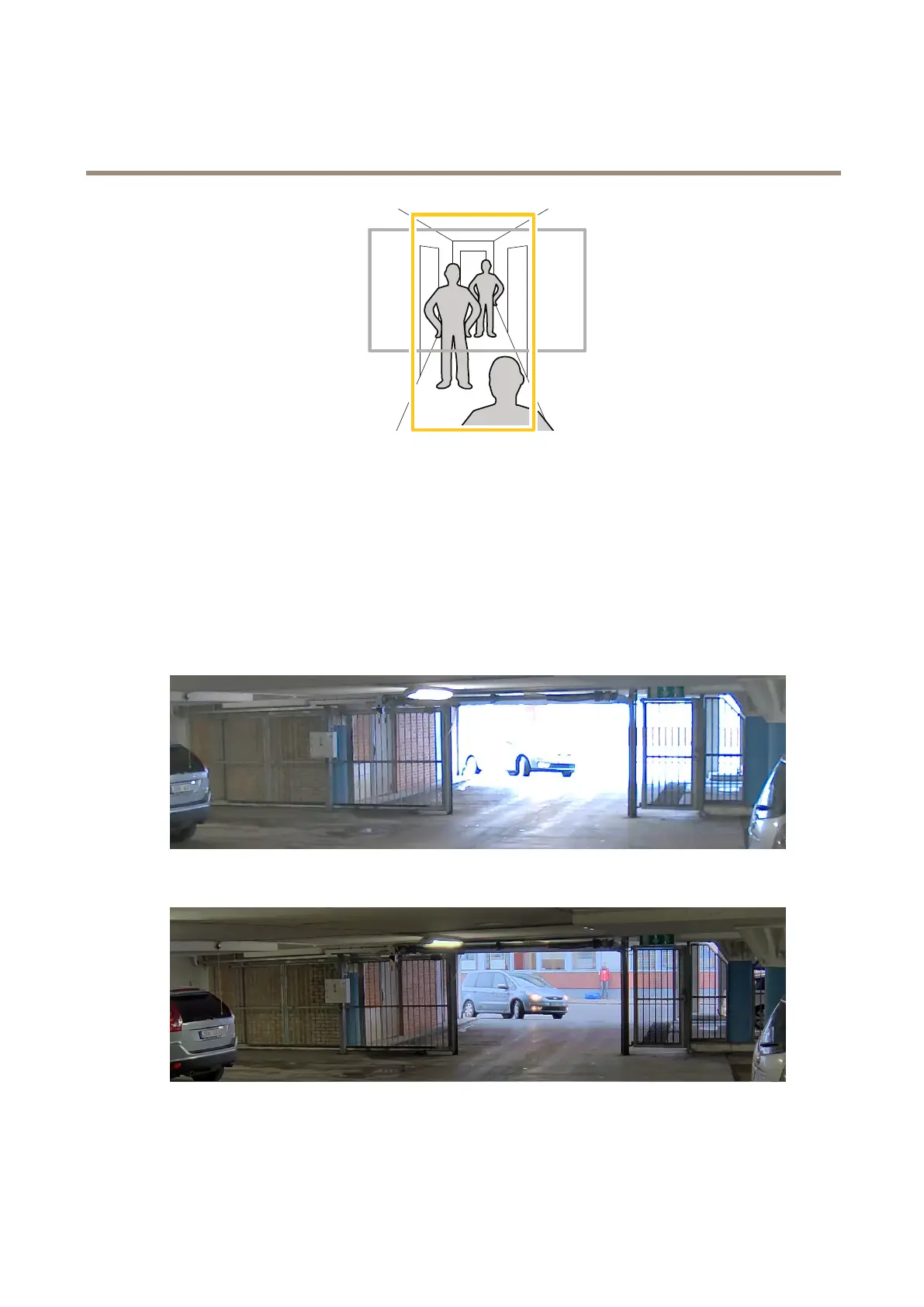
Howtohandlesceneswithstrongbacklight
UseWDRtomakebothdarkandbrightareasoftheimagevisible.
1.GotoSettings>Image.
2.TurnonWDRunderWidedynamicrange.
ImagewithoutWDR.
ImagewithWDR.
9



 To Next Page