22
AXIS 221 - Video and Image Settings
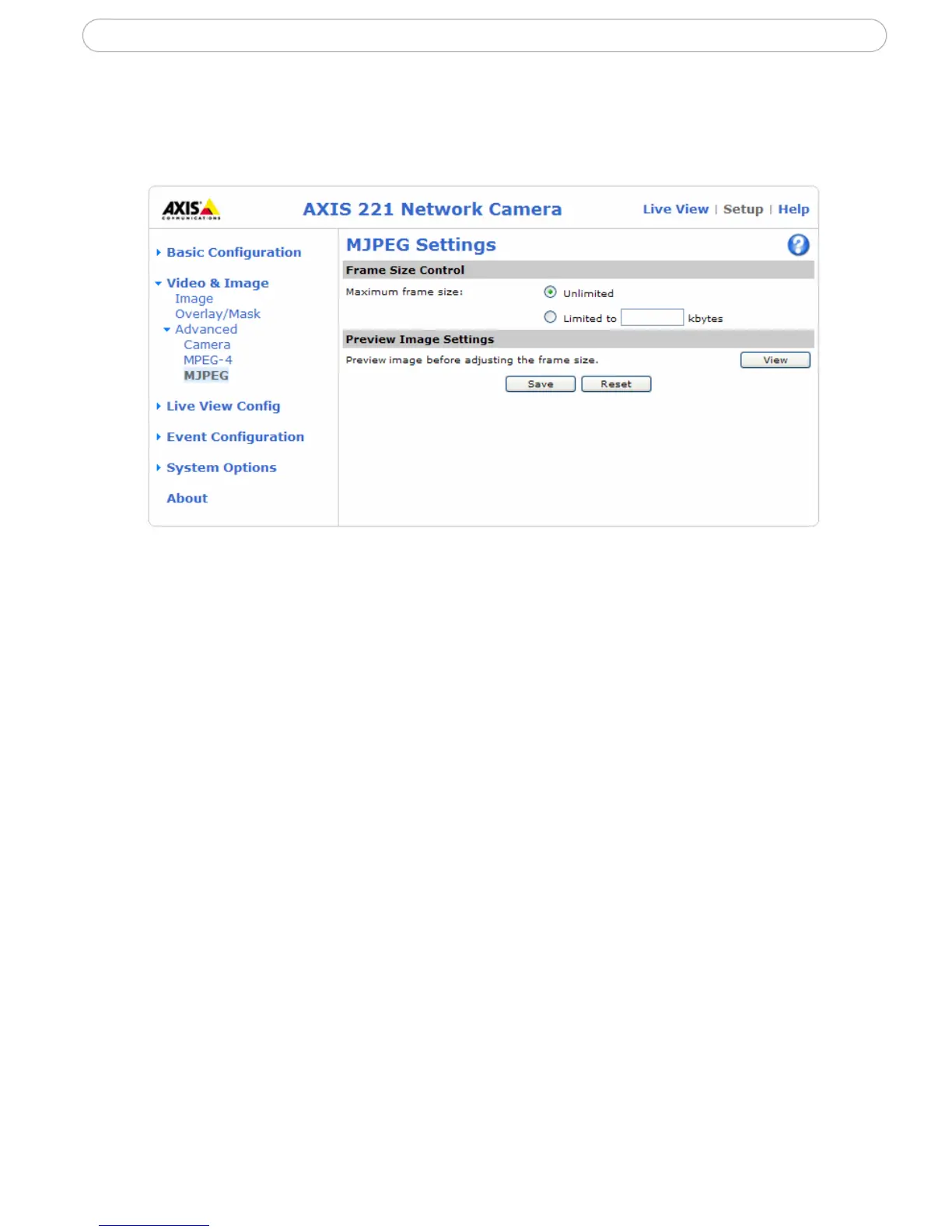
MJPEG Settings
The MJPEG Settings window is used to control the frame size of the video stream in order
to
improve either image quality or save bandwidth.
Frame Size Control - Use Frame Size Control to set the maximum frame size to unlimited
for best image quality, or to a limited number of Kbytes. The default is set to unlimited.
Preview Image Settings - Use Preview Image Settings to view the current compression
and frame size settings in the text overlay at the top of the image.


 To Next Page