AXISP12ThermalNetworkCameraSeries
Sensorunits
Sensorunits
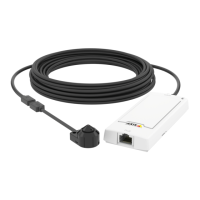
Aboutsensorunits
Whenconnectingasensorunittoamainunit,werecommendthatyoumaketheconnectionbeforepoweringupthemainunit.If
youdisconnectasensorunitandconnectadifferentone,itmaybenecessarytorestartthemainunit.
Howtoshortenthesensorunitcable
Note
Thiscablecanonlybeshortened,notextendedormodiedinanyotherway.
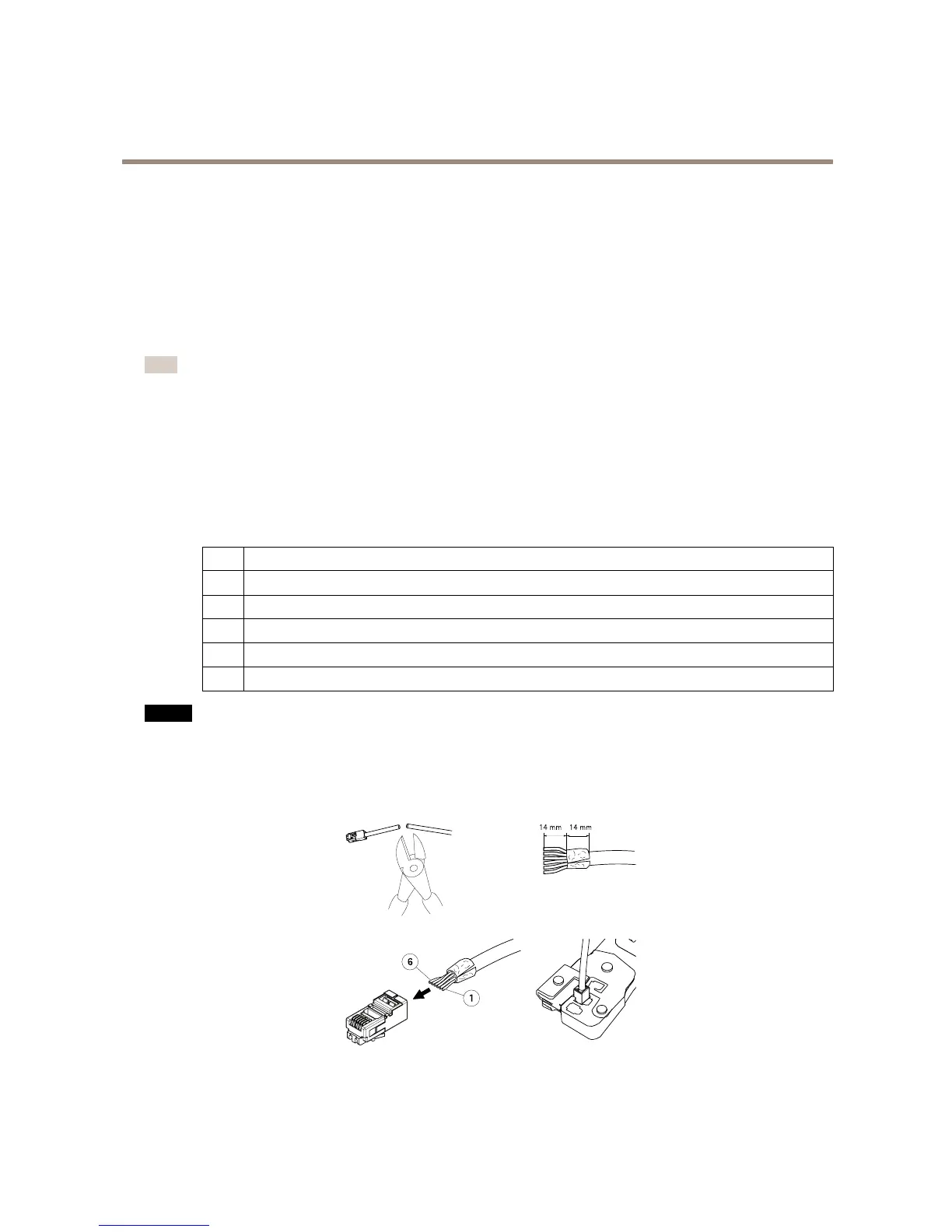
Thesensorunitisdeliveredwithacable.Toshortenthecablefollowthesesteps:
1.Cutthecabletothedesiredlength.Measurefromthesensorunit.
2.Striptheplasticoutercoatingfromtheendofthecable.
3.Peelbacktheshield.
4.Flattenthecoloredwiresintheorderdescribedbelow.
1
Brown
2
White/brown
3
Notused
4
Notused
5
White/blue
6
Blue
NO NO
NO
TICE TICE
TICE
Makesurethatthewiresstayinthecorrectorderandthatthecableshieldmakesgoodcontactwiththeconnectorshield.
5.Insertthewiresallthewayintoashielded6P6CRJ12connector.
6.Useacrimpingtooltofastentheconnectortothecable.
6



 To Next Page