AXISP14NetworkCameraSeries
Configureyourdevice
Seealso
Adjustthezoomandfocus
Toadjustthezoom:
1.GotoVideo>Installationandadjustthezoomslider.
Toadjustthefocus:
1.Click
toshowtheautofocusarea.
2.Adjusttheautofocusareatocoverthepartoftheimagethatyouwanttobeinfocus.
Ifyoudon’tselectanautofocusarea,thecamerafocusesontheentirescene.Werecommendthatyoufocusona
staticobject.
3.ClickAutofocus.
4.Tonetunethefocus,adjustthefocusslider.
Remotefocusandzoom
Theremotefocusandzoomfunctionalityallowsyoutomakefocusandzoomadjustmentstoyourcamerafromacomputer.Itisa
convenientwaytoensurethatthescene’sfocus,viewingangleandresolutionareoptimizedwithouthavingtovisitthecamera’s
installationlocation.
Verifythepixelresolution
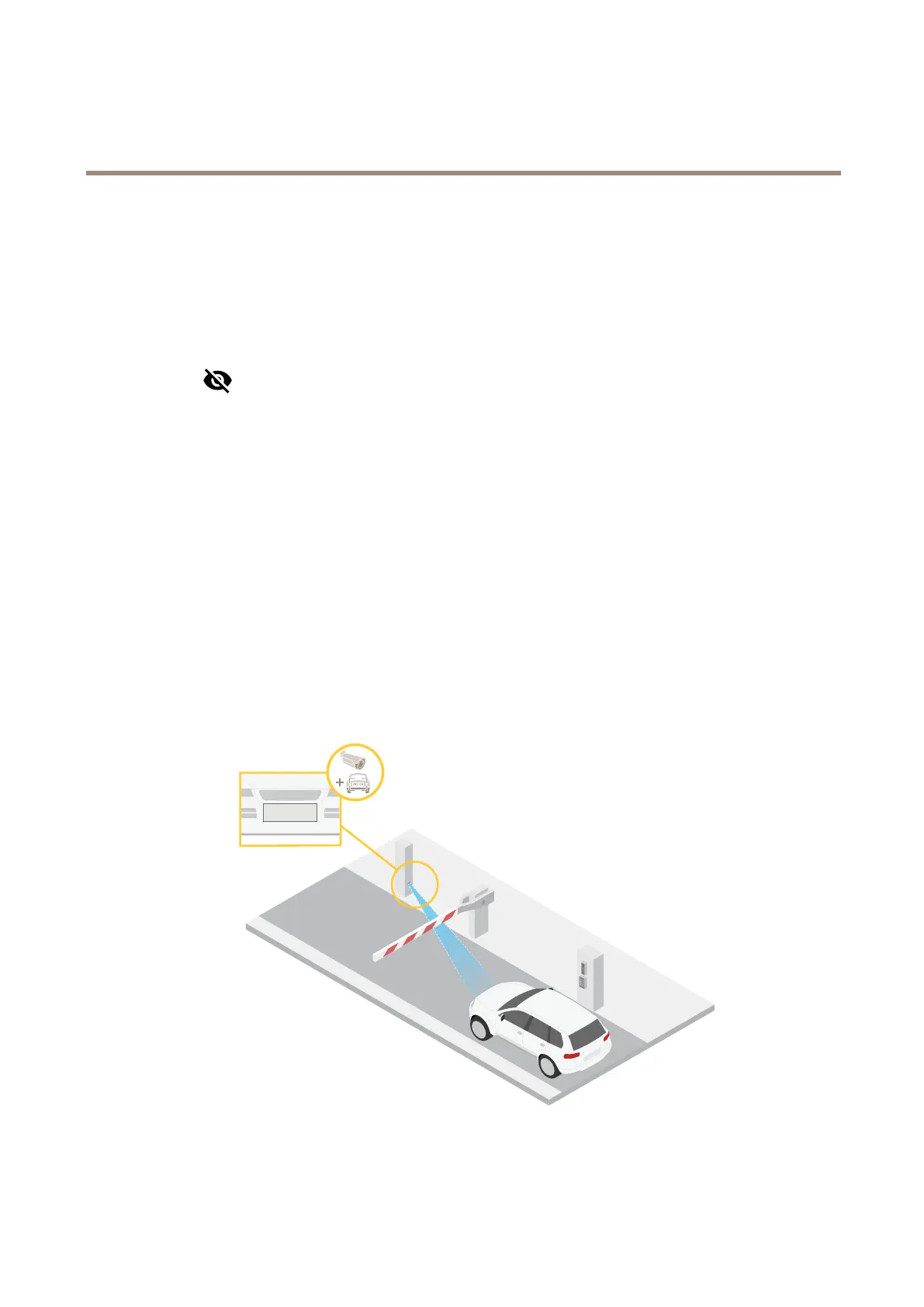
Toverifythatadenedpartoftheimagecontainsenoughpixelsto,forexample,recognizelicenseplates,youcanusethepixel
counter.
1.GotoVideo>Image.
9



 To Next Page