AXISP14NetworkCameraSeries
Configureyourdevice
2.Click.
3.Click
forPixelcounter.
4.Inthecamera’sliveview,adjustthesizeandpositionoftherectanglearoundtheareaofinterest,forexamplewhereyou
expectlicenseplatestoappear.
5.Youcanseethenumberofpixelsforeachoftherectangle’ssides,anddecideifthevaluesareenoughforyourneeds.
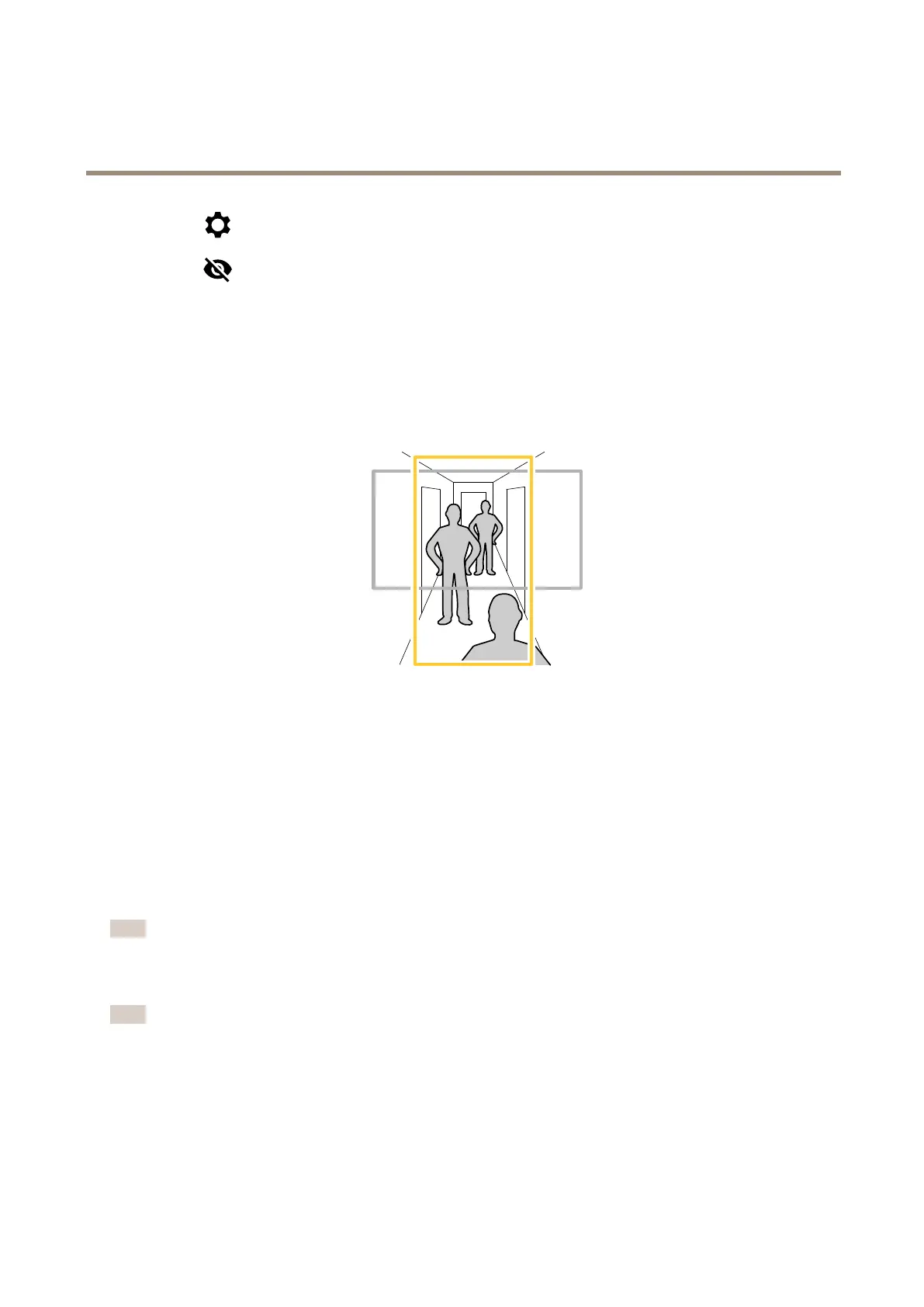
Monitorlongandnarrowareas
Usecorridorformattobetterutilizethefulleldofviewinalongandnarrowarea,forexampleastaircase,hallway,road,ortunnel.
1.Dependingonyourdevice,turnthecameraorthe3-axislensinthecamera90°or270°.
2.Ifthedevicedoesn’thaveautomaticrotationoftheview,gotoVideo>Installation.
3.Rotatetheview90°or270°.
Reducenoiseinlow-lightconditions
Toreducenoiseinlow-lightconditions,youcanadjustoneormoreofthefollowingsettings:
•Adjustthetrade-offbetweennoiseandmotionblur.GotoVideo>Image>ExposureandmovetheBlur-noisetrade-off
slidertowardLownoise.
•Settheexposuremodetoautomatic.
Note
Ahighmaxshuttervaluecanresultinmotionblur.
•Toslowdowntheshutterspeed,setmaxshuttertothehighestpossiblevalue.
Note
Whenyoureducethemaxgain,theimagecanbecomedarker.
•Setthemaxgaintoalowervalue.
•Ifpossible,opentheaperture.
•Reducesharpnessintheimage,underVideo>Image>Appearance.
10



 To Next Page