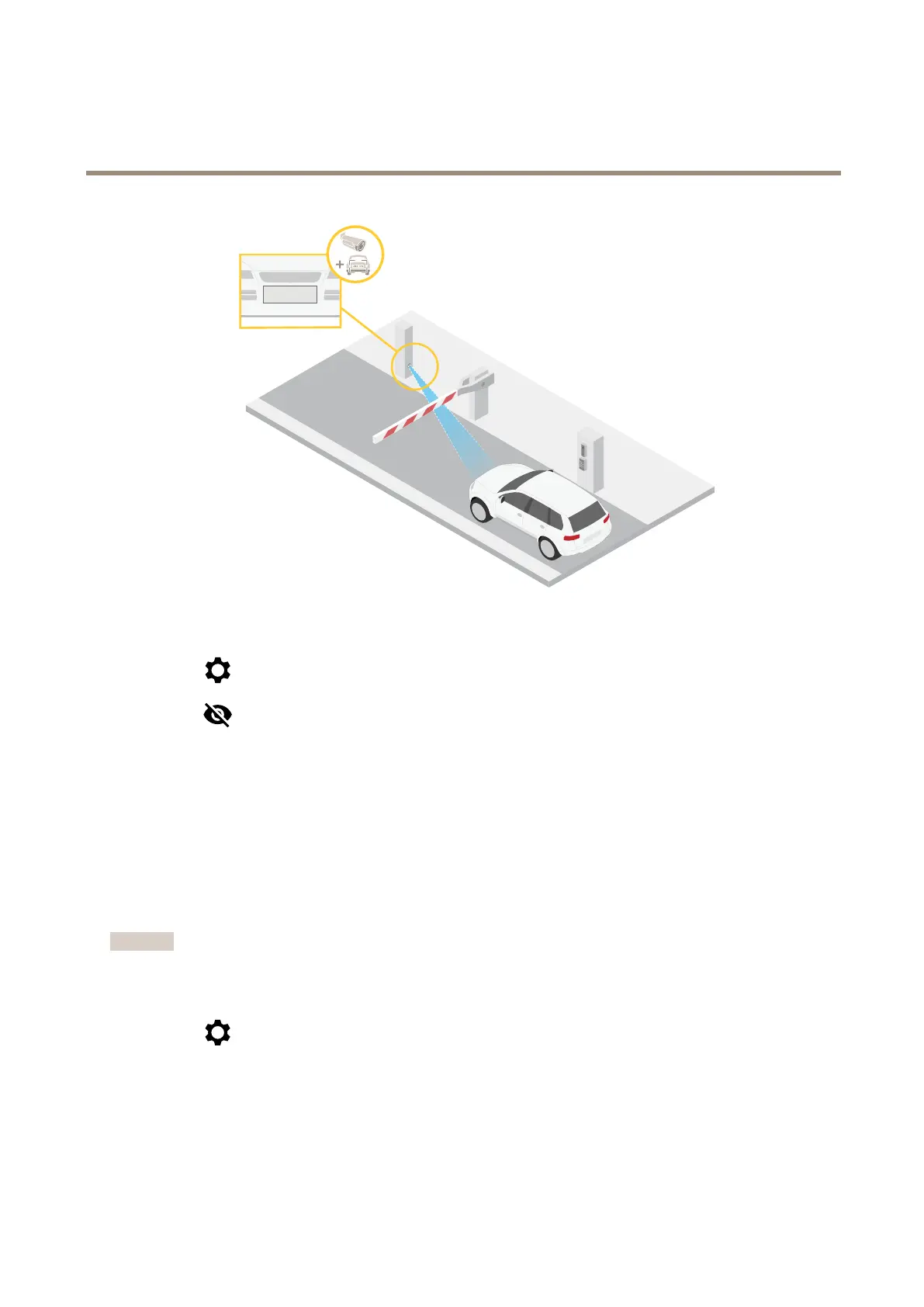
AXISP1465-LE-3LicensePlateVerifierKit
Configureyourdevice
1.GotoVideo>Image.
2.Click
.
3.ClickforPixelcounter.
4.Inthecamera’sliveview,adjustthesizeandpositionoftherectanglearoundtheareaofinterest,forexamplewhereyou
expectlicenseplatestoappear.
5.Youcanseethenumberofpixelsforeachoftherectangle’ssides,anddecideifthevaluesareenoughforyourneeds.
Viewandrecordvideo
Thissectionincludesinstructionsaboutconguringyourdevice.Tolearnmoreabouthowstreamingandstorageworks,goto.
Reducebandwidthandstorage
Important
Reducingthebandwidthcanresultinlossofdetailsintheimage.
1.GotoVideo>Stream.
2.Click
intheliveview.
3.SelectVideoformatH.264.
4.GotoVideo>Stream>GeneralandincreaseCompression.
5.GotoVideo>Stream>H.264andH.265encodinganddooneormoreofthefollowing:
-SelecttheZipstreamlevelthatyouwanttouse.
14



 To Next Page