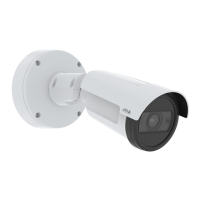
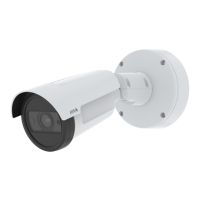
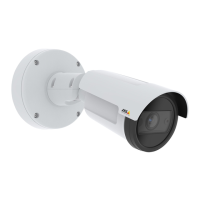
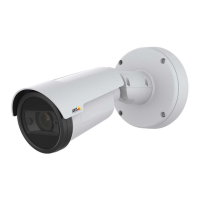
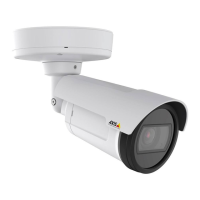
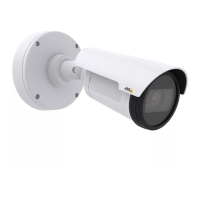
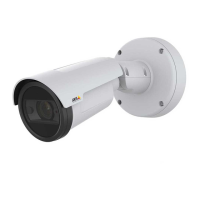
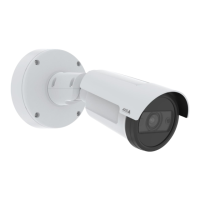
AXISP1465-LE-3LicensePlateVerifierKit
Getstarted
Thedevicepasswordistheprimaryprotectionforyourdataandservices.Axisdevicesdonotimposeapasswordpolicyasthey
maybeusedinvarioustypesofinstallations.
Toprotectyourdatawestronglyrecommendthatyou:
•Useapasswordwithatleast8characters,preferablycreatedbyapasswordgenerator.
•Don’texposethepassword.
•Changethepasswordatarecurringinterval,atleastonceayear.
Verifythatnoonehastamperedwiththermware
TomakesurethatthedevicehasitsoriginalAxisrmware,ortotakefullcontrolofthedeviceafterasecurityattack:
1.Resettofactorydefaultsettings.SeeResettofactorydefaultsettingsonpage70.
Afterthereset,securebootguaranteesthestateofthedevice.
2.Congureandinstallthedevice.
Webpageoverview
Thisvideogivesyouanoverviewofthedeviceinterface.
Towatchthisvideo,gotothewebversionofthisdocument.
help.axis.com/?&piaId=89968§ion=webpage-overview
Axisdevicewebinterface
3



 To Next Page