AXISP3265-LVE-3LicensePlateVerifierKit
Thedeviceinterface
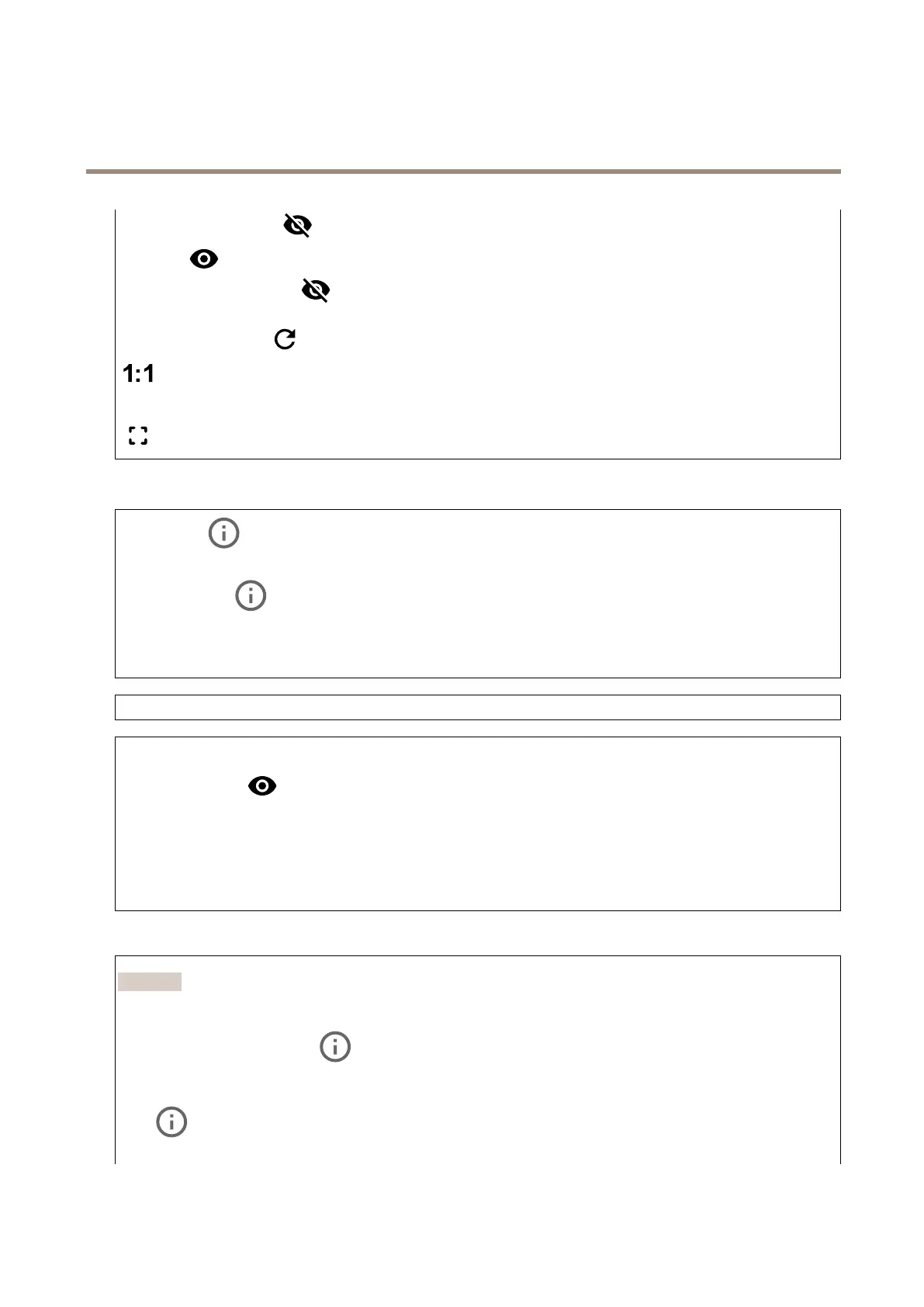
•Levelgrid:Clicktoshowthelevelgrid.Thegridhelpsyoudecideiftheimageishorizontallyaligned.Click
tohideit.
•Pixelcounter:Click
toshowthepixelcounter.Dragandresizetheboxtocontainyourareaofinterest.Youcan
alsodenethepixelsizeoftheboxintheWidthandHeightelds.
•Refresh:Click
torefreshthestillimageintheliveview.
Clicktoshowtheliveviewatfullresolution.Ifthefullresolutionislargerthanyourscreensize,usethesmallerimageto
navigateintheimage.
Clicktoshowthelivevideostreaminfullscreen.PressESCtoexitfullscreenmode.
Installation
Capturemode:Acapturemodeisapresetcongurationthatdeneshowthecameracapturesimages.Whenyouchange
thecapturemode,itcanaffectmanyothersettings,suchasviewareasandprivacymasks.
Mountingposition:Theorientationoftheimagecanchangedependingonhowthecameraismounted.
Powerlinefrequency:Selectthefrequencythatisusedinyourregiontominimizeimageicker.TheAmericanregions
usuallyuse60Hz.Therestoftheworldmostlyuses50Hz.Ifyou'renotsureofyourregion'spowerlinefrequency,check
withthelocalauthorities.
Rotate:Selectthepreferredimageorientation.
Zoom:Usetheslidertoadjustthezoomlevel.
Autofocusarea:Click
toshowtheautofocusarea.Thisareashouldincludetheareaofinterest.
Autofocus:Clicktomakethecamerafocusontheselectedarea.Ifyoudon’tselectanautofocusarea,thecamerafocuses
ontheentirescene.
Resetfocus:Clicktomakethefocusreturntoitsoriginalposition.
Focus:Usetheslidertosetthefocusmanually.
Imagecorrection
Important
Werecommendyounottousemultipleimagecorrectionfeaturesatthesametime,sinceitcanleadtoperformanceissues.
Barreldistortioncorrection(BDC):Turnontogetastraighterimageifitsuffersfrombarreldistortion.Barreldistortion
isalenseffectthatmakestheimageappearcurvedandbentoutwards.Theconditionisseenmoreclearlywhentheimageis
zoomedout.
Crop
:Usetheslidertoadjustthecorrectionlevel.Alowerlevelmeansthattheimagewidthiskeptattheexpenseof
imageheightandresolution.Ahigherlevelmeansthatimageheightandresolutionarekeptattheexpenseofimagewidth.
38


 To Next Page