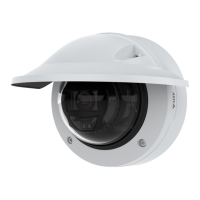
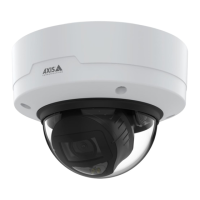
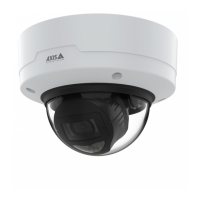
AXISP3265-LVE-3LicensePlateVerifierKit
Thedeviceinterface
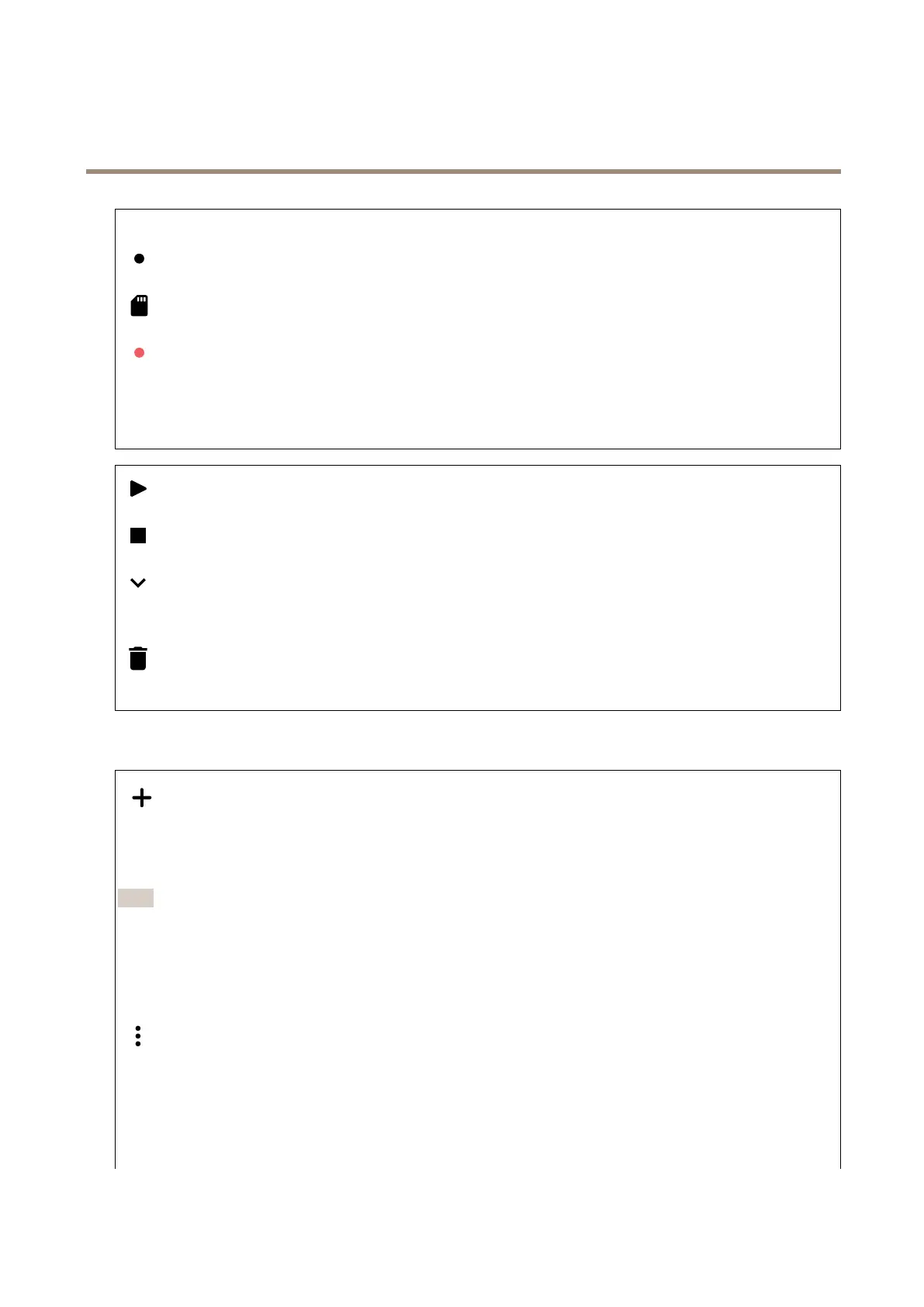
Ongoingrecordings:Showallongoingrecordingsonthecamera.
Selecttostartarecordingonthecamera.
Choosewhichstoragedevicetosaveto.
Selecttostoparecordingonthecamera.
Triggeredrecordingswillendbothwhenmanuallystoppedandwhenthecameraisshutdown.
Continuousrecordingswillcontinueuntilmanuallystopped.Evenifthecameraisshutdown,therecordingwillcontinue
whenthecamerastartsupagain.
Clicktoplaytherecording.
Clicktostopplayingtherecording.
Clicktoshowmoreinformationandoptionsabouttherecording.
Setexportrange:Ifyouonlywanttoexportpartoftherecording,enterfromwhentowhen.
Clicktodeletetherecording.
Export:Clicktoexport(partof)therecording.
Apps
Addapp:Clicktoinstallanewapp.
Findmoreapps:ClicktogotoanoverviewpageofAxisapps.
Allowunsignedapps:Turnontoallowinstallationofunsignedapps.
Note
Thedevice’sperformancemightbeaffectedifyourunseveralappsatthesametime.
Usetheswitchnexttotheappnametostartorstoptheapp.
Open:Clicktoaccesstheapp’ssettings.Theavailablesettingsdependontheapplication.Someapplicationsdon’thaveany
settings.
Thecontextmenucancontainoneormoreofthefollowingoptions:
•Open-sourcelicense:Clicktoviewinformationaboutopen-sourcelicensesusedintheapp.
•Applog:Clicktoviewalogoftheappevents.Thelogishelpfulwhenyoucontactsupport.
•Activatelicensewithakey:Iftheapprequiresalicense,youneedtoactivateit.Usethisoptionifyourdevice
doesn’thaveinternetaccess.
Ifyoudon’thavealicensekey,gotoaxis.com/products/analytics.YouneedalicensecodeandtheAxisproductserial
numbertogeneratealicensekey.
49


 To Next Page