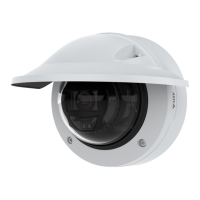
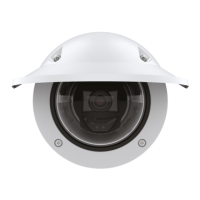
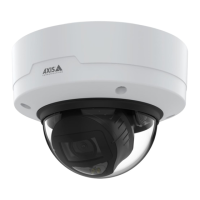
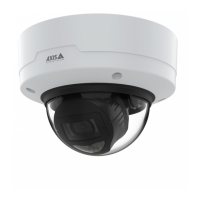
AXISP32DomeCameraSeries
Configureyourdevice
•Setthemaxgaintoalowervalue.
•Opentheaperture.
•Reducesharpnessintheimage,underAppearance.
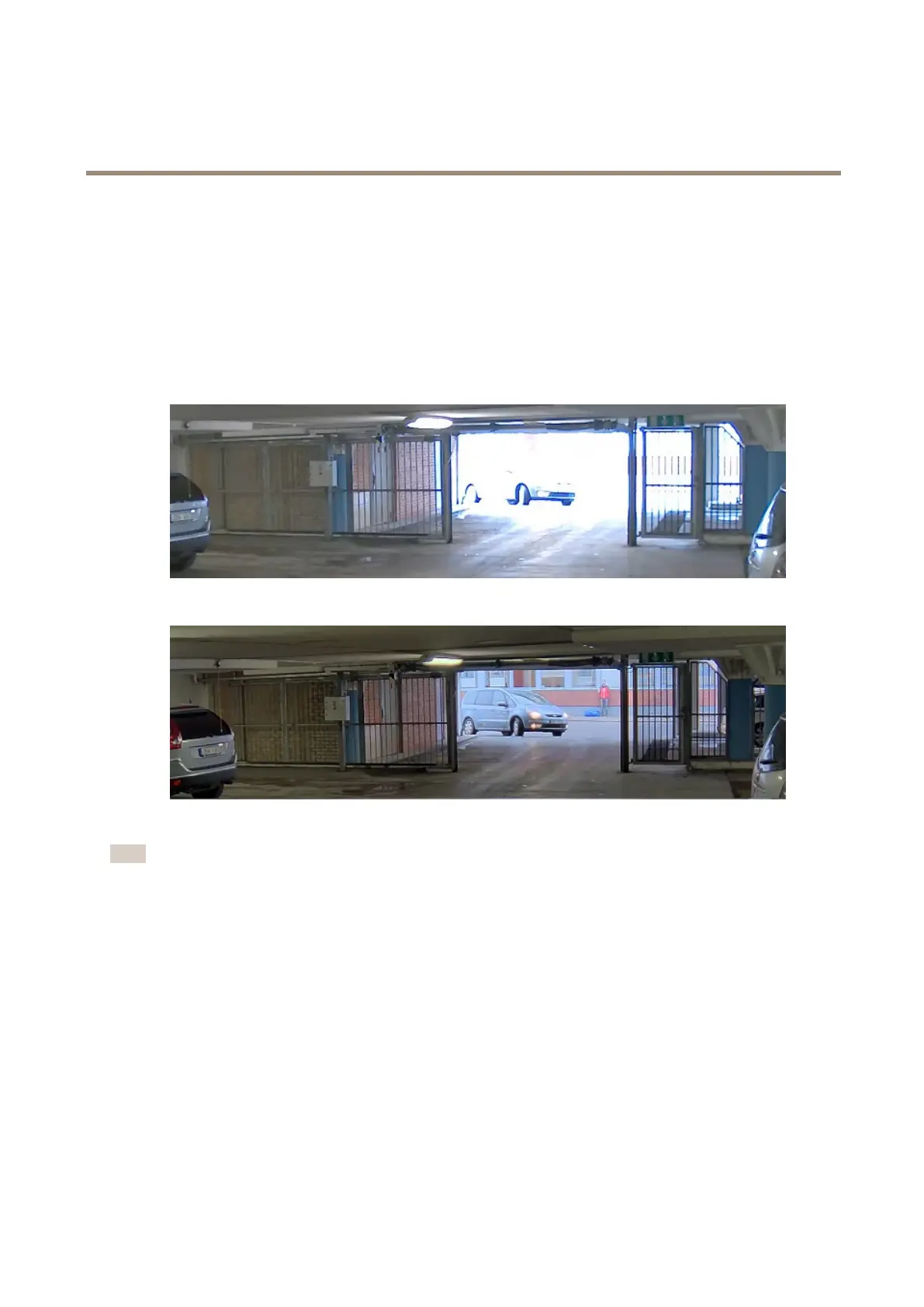
Handlesceneswithstrongbacklight
Dynamicrangeisthedifferenceinlightlevelsinanimage.Insomecasesthedifferencebetweenthedarkestandthebrightest
areascanbesignicant.Theresultisoftenanimagewhereeitherthedarkorthebrightareasarevisible.Widedynamicrange
(WDR)makesbothdarkandbrightareasoftheimagevisible.
ImagewithoutWDR.
ImagewithWDR.
Note
•WDRcancauseartifactsintheimage.
•WDRmaynotbeavailableforallcapturemodes.
1.GotoVideo>Image>Widedynamicrange.
2.TurnonWDR.
3.UsetheLocalcontrastslidertoadjusttheamountofWDR.
4.UsetheTonemappingslidertoadjusttheamountofWDR.
5.Ifyoustillhaveproblems,gotoExposureandadjusttheExposurezonetocovertheareaofinterest.
FindoutmoreaboutWDRandhowtouseitataxis.com/web-articles/wdr.
Compensateforbarreldistortion
Barreldistortionisaphenomenonwherestraightlinesappearincreasinglybentclosertotheedgesoftheframe.Awideeldofview
oftencreatesbarreldistortioninanimage.Barreldistortioncorrectioncompensatesforthisdistortion.
7



 To Next Page
 Loading...