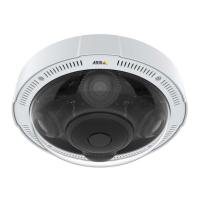
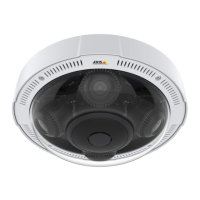
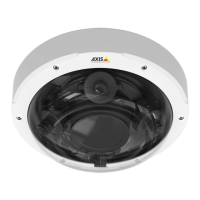
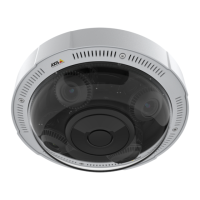
AXISP3715-PLVENetworkCamera
Configureyourdevice
2.SelectImageandclick.
3.ClickImages.
4.Draganddropanimage.
5.ClickUpload.
6.ClickManageoverlay.
7.Selecttheimageandaposition.Youcanalsodragtheoverlayimageintheliveviewtochangetheposition.
Showatextoverlayinthevideostreamwhenthedevicedetectsanobject
Thisexampleexplainshowtodisplaythetext“Motiondetected”whenthedevicedetectsanobject.
1.Starttheapplicationifitisnotalreadyrunning.
2.Makesureyouhavesetuptheapplicationaccordingtoyourneeds.
Addtheoverlaytext:
1.GotoVideo>Overlays.
2.UnderOverlays,selectTextandclick
.
3.Enter#Dinthetexteld.
4.Choosetextsizeandappearance.
5.Topositionthetextoverlay,click
andselectanoption.
Createarule:
1.GotoSystem>Eventsandaddarule.
2.Typeanamefortherule.
3.Inthelistofactions,underOverlaytext,selectUseoverlaytext.
4.Selectavideochannel.
5.InText,type“Motiondetected”.
6.Settheduration.
7.ClickSave.
Note
Ifyouupdatetheoverlaytextitwillbeautomaticallyupdatedonallvideostreamsdynamically.
Viewandrecordvideo
Thissectionincludesinstructionsaboutconguringyourdevice.Tolearnmoreabouthowstreamingandstorageworks,goto
Streamingandstorageonpage44.
10



 To Next Page