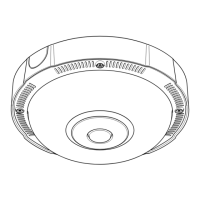
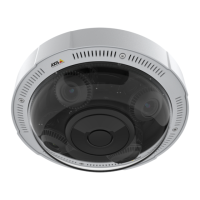
AXISP3715-PLVENetworkCamera
Getstarted
Getstarted
Installation
Towatchthisvideo,gotothewebversionofthisdocument.
help.axis.com/?&piaId=63353§ion=install
Previewmode
Previewmodeisidealforinstallerswhennetuningthecameraviewduringtheinstallation.Nologinisrequiredtoaccessthe
cameraviewinpreviewmode.Itisavailableonlyinfactorydefaultedstateforalimitedtimefrompoweringupthedevice.
Towatchthisvideo,gotothewebversionofthisdocument.
help.axis.com/?&piaId=63353§ion=preview-mode
Thisvideodemonstratehowtousepreviewmode.
Findthedeviceonthenetwork
TondAxisdevicesonthenetworkandassignthemIPaddressesinWindows®,useAXISIPUtilityorAXISDeviceManager.Both
applicationsarefreeandcanbedownloadedfromaxis.com/support.
FormoreinformationabouthowtondandassignIPaddresses,gotoHowtoassignanIPaddressandaccessyourdevice.
Browsersupport
Youcanusethedevicewiththefollowingbrowsers:
Chrome
TM
Firefox
®
Edge
TM
Safari
®
Windows
®
recommended
recommended
macOS
®
recommendedrecommended
Linux
®
recommendedrecommended
Otheroperatingsystems*
3



 To Next Page