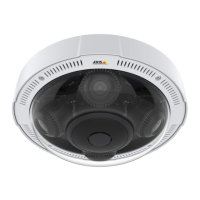
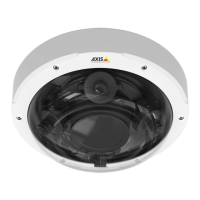
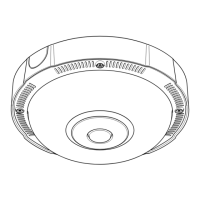
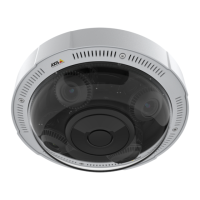
AXISP3717-PLENetworkCamera
Specifications
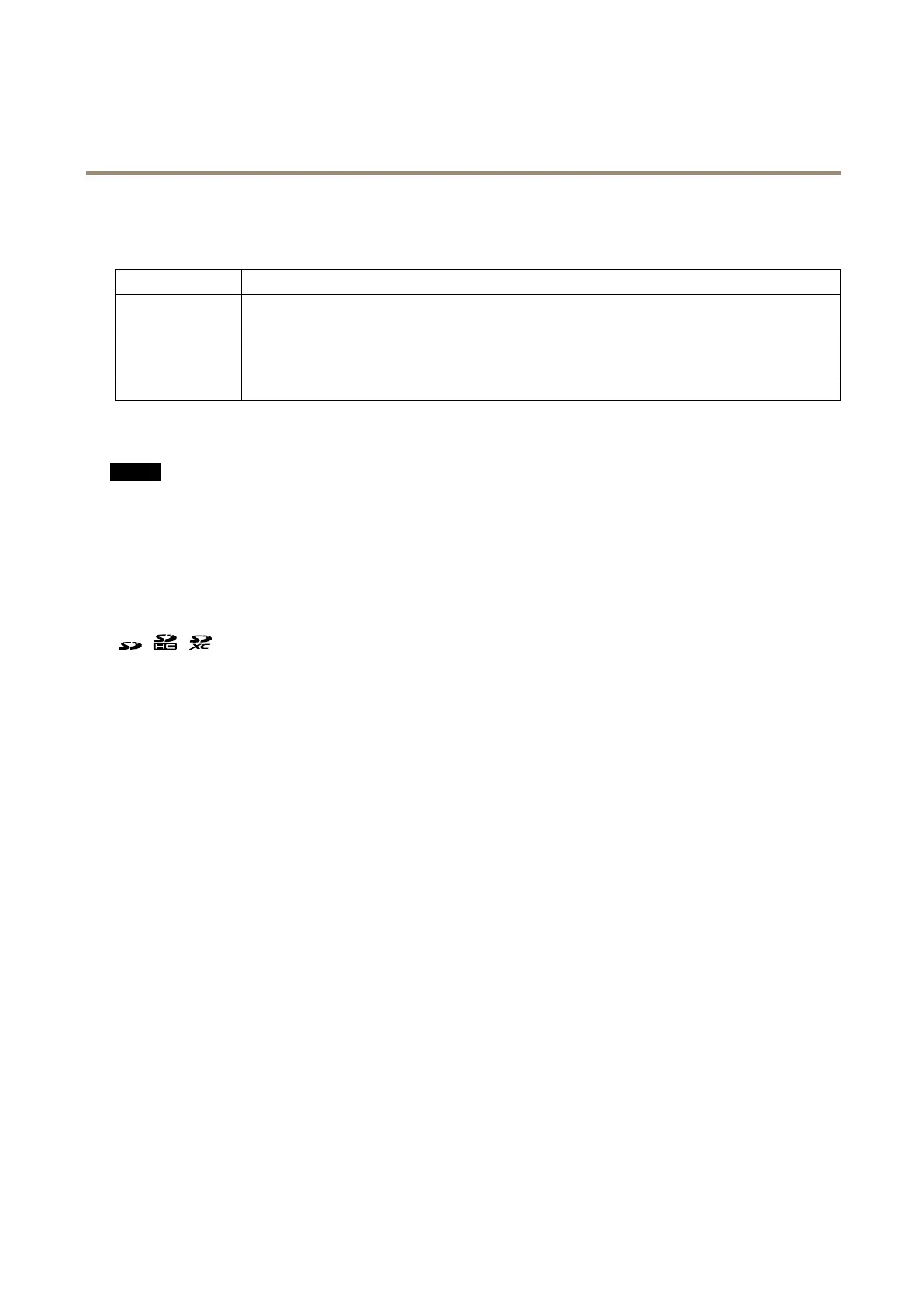
StatusLEDbehaviorforfocusassistant
ThestatusLEDasheswhentheFocusAssistantisactive.
Color
Indication
RedTheimageisoutoffocus.
Adjustthelens.
AmberTheimageisclosetofocus.
Thelensneedsnetuning.
Green
Theimageisinfocus.
SDcardslot
NO NO
NO
TICE TICE
TICE
•RiskofdamagetoSDcard.Donotusesharptools,metalobjects,orexcessiveforcewheninsertingorremovingthe
SDcard.Useyourngerstoinsertandremovethecard.
•Riskofdatalossandcorruptedrecordings.DonotremovetheSDcardwhiletheproductisrunning.UnmounttheSDcard
fromtheproduct’swebpagebeforeremoval.
ThisproductsupportsSD/SDHC/SDXCcards.
ForSDcardrecommendations,seeaxis.com.
SD,SDHC,andSDXCLogosaretrademarksofSD-3CLLC.SD,SDHCandSDXCaretrademarksorregistered
trademarksofSD-3C,LLCintheUnitedStates,othercountriesorboth.
Buttons
Controlbutton
Thecontrolbuttonisusedfor:
•Resettingtheproducttofactorydefaultsettings.SeeResettofactorydefaultsettingsonpage40.
Restartbutton
Presstherestartbuttontorestarttheproduct.
Connectors
Networkconnector
RJ45withHighPoweroverEthernet(HighPoE).
39


 To Next Page