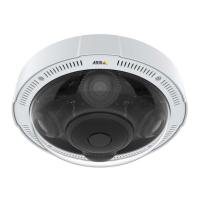
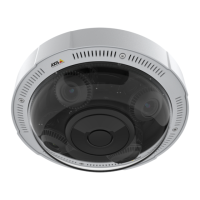
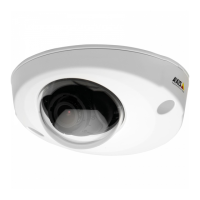
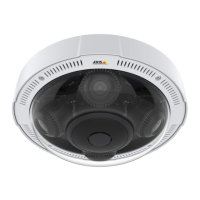
AXISP3719-PLENetworkCamera
Configureyourdevice
1.ClickandselectLegacydeviceinterface.
2.GotoSystem>Detectors>Cameratampering.
3.SetadurationforTriggerafter.Thevalueindicatesthetimethatmustpassbeforeanemailissent.
4.TurnonTriggerondarkimages.Thiswilltriggeranalarmifthelensissprayed,covered,orrenderedseverelyoutoffocus.
Addarecipient:
5.GotoSystem>Events>RecipientsandclickAddrecipient.
6.Typeanamefortherecipient.
7.SelectEmail.
8.Typeanemailaddresstosendtheemailto.
9.Thecameradoesn’thaveit’sownemailserver,soitwillneedtologintoanotheremailservertobeabletosendmails.Fill
intherestoftheinformationaccordingtoyouremailprovider.
10.Tosendatestemail,clickTest.
11.ClickSave.
Createarule:
12.GotoSystem>Events>RulesandclickAddarule.
13.Typeanamefortherule.
14.Inthelistofconditions,selectTampering.
15.Inthelistofactions,selectSendnoticationtoemail.
16.Selectarecipientfromthelist.
17.Typeasubjectandamessagefortheemail.
18.ClickSave.
Showatextoverlayinthevideostreamwhenthedevicedetectsanobject
Thisexampleexplainshowtodisplaythetext“Motiondetected”whenthedevicedetectsanobject.
1.Starttheapplicationifitisnotalreadyrunning.
2.Makesureyouhavesetuptheapplicationaccordingtoyourneeds.
Addtheoverlaytext:
1.GotoVideo>Overlays.
2.UnderOverlays,selectTextandclick
.
3.Enter#Dinthetexteld.
4.Choosetextsizeandappearance.
5.Topositionthetextoverlay,click
andselectanoption.
Createarule:
11


 To Next Page