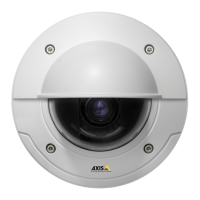
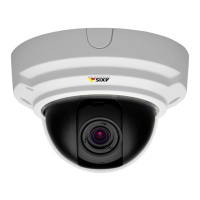
Need help?
Do you have a question about the Axis P3346-V and is the answer not in the manual?
Steps to access the product via a browser and set the initial administrator password.
Provides shortcuts to essential initial settings for product configuration.
Options to customize the Live View page, including stream profiles and viewers.
Setting up motion detection using windows, object size, history, and sensitivity.
Step-by-step guide to creating and configuring rules for event-driven actions.
Accessing recorded files and setting up continuous video recording.
Setting up IP addresses (IPv4/IPv6), DHCP, DNS, NTP, and NAT traversal.
Managing SD cards and network shares for recording and data storage.
Checking and upgrading the product's firmware version.
Diagnosing and resolving problems like IP address issues, browser access, and streaming.
Steps to reset all product settings to their original factory default values.
Details on camera hardware, lens, video compression, resolutions, and frame rates.
Specifications for audio streaming, compression, and network protocols.
Information on APIs, intelligent video, event triggers/actions, and security features.
Specifications for casing, processor, memory, connectors, operating conditions, and accessories.
Detailed pinouts for I/O and audio connectors, and performance considerations.
 General
| Brand | Axis |
|---|---|
| Model | P3346-V |
| Category | Security Camera |
| Language | English |


 To Next Page