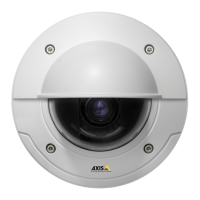
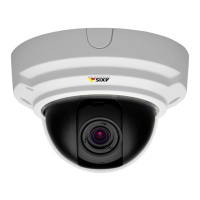
AXISP3346-VFixedDomeNetworkCamera
HardwareOverview
AudioConnector
TheAxisproducthasthefollowingaudioconnectors:
•Audioin(pink)–3.5mminputforamonomicrophone,oraline-inmonosignal(leftchannelisusedfromastereosignal).
•Audioout(green)–3.5mmoutputforaudio(linelevel)thatcanbeconnectedtoapublicaddress(PA)systemoran
activespeakerwithabuilt-inamplier.Astereoconnectormustbeusedforaudioout.
SDCardSlot
AnSDcard(notincluded)canbeusedforlocalrecordingwithremovablestorage.Formoreinformation,seeTechnicalSpecications.
NO NO
NO
TICE TICE
TICE
Topreventcorruptionofrecordings,theSDcardshouldbeunmountedbeforeremoval.Tounmount,gotoSetup>System
Options>Storage>SDCardandclickUnmount.
ControlButton
Thecontrolbuttonisusedfor:
•Resettingtheproducttofactorydefaultsettings.Seepage53.
•ConnectingtoanAXISVideoHostingSystemservice.Seepage46.Toconnect,pressandholdthebuttonforabout1
seconduntiltheStatusLEDashesgreen.
•ConnectingtoAXISInternetDynamicDNSService.Seepage46.Toconnect,pressandholdthebuttonforabout3seconds.
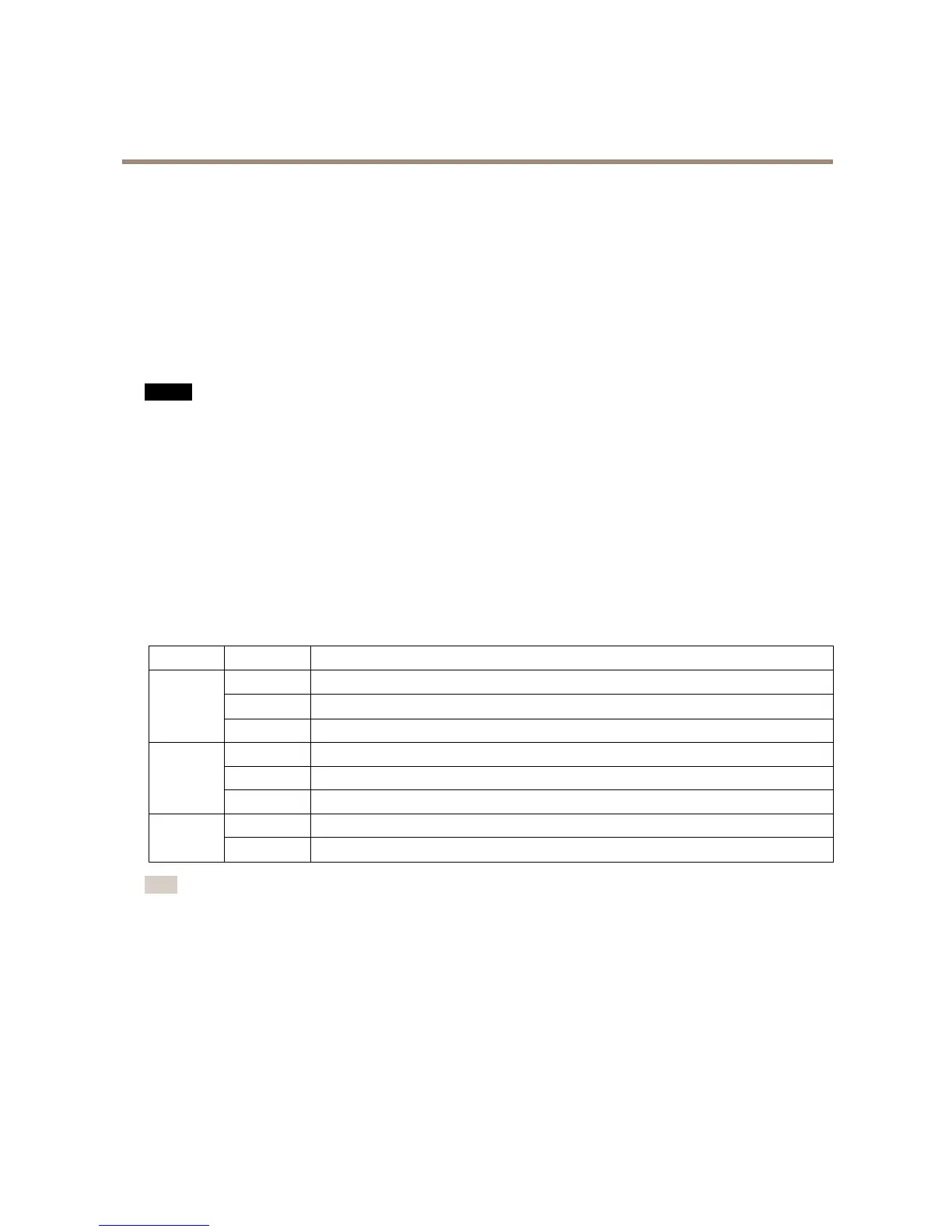
LEDIndicators
LED
Color
Indication
Green
Steadyforconnectiontoa100MBit/snetwork.Flashesfornetworkactivity.
Amber
Steadyforconnectiontoa10MBit/snetwork.Flashesfornetworkactivity.
Network
UnlitNonetworkconnection.
GreenSteadygreenfornormaloperation.
Amber
Steadyduringstartupandwhenrestoringsettings.
Status
Red
Slowashforfailedupgrade.
Green
Normaloperation.
Power
Amber
Flashesgreen/amberduringrmwareupgrade.
Note
•TheStatusLEDcanbeconguredtobeunlitduringnormaloperation.Tocongure,gotoSetup>SystemOptions>Ports
&Devices>LED.Seetheonlinehelpformoreinformation.
•TheStatusLEDcanbeconguredtoashwhileaneventisactive.
•TheStatusLEDcanbeconguredtoashforidentifyingtheunit.GotoSetup>SystemOptions>Maintenance.
7



 To Next Page