5
AXIS P5532-E/P5534-E - Product Description
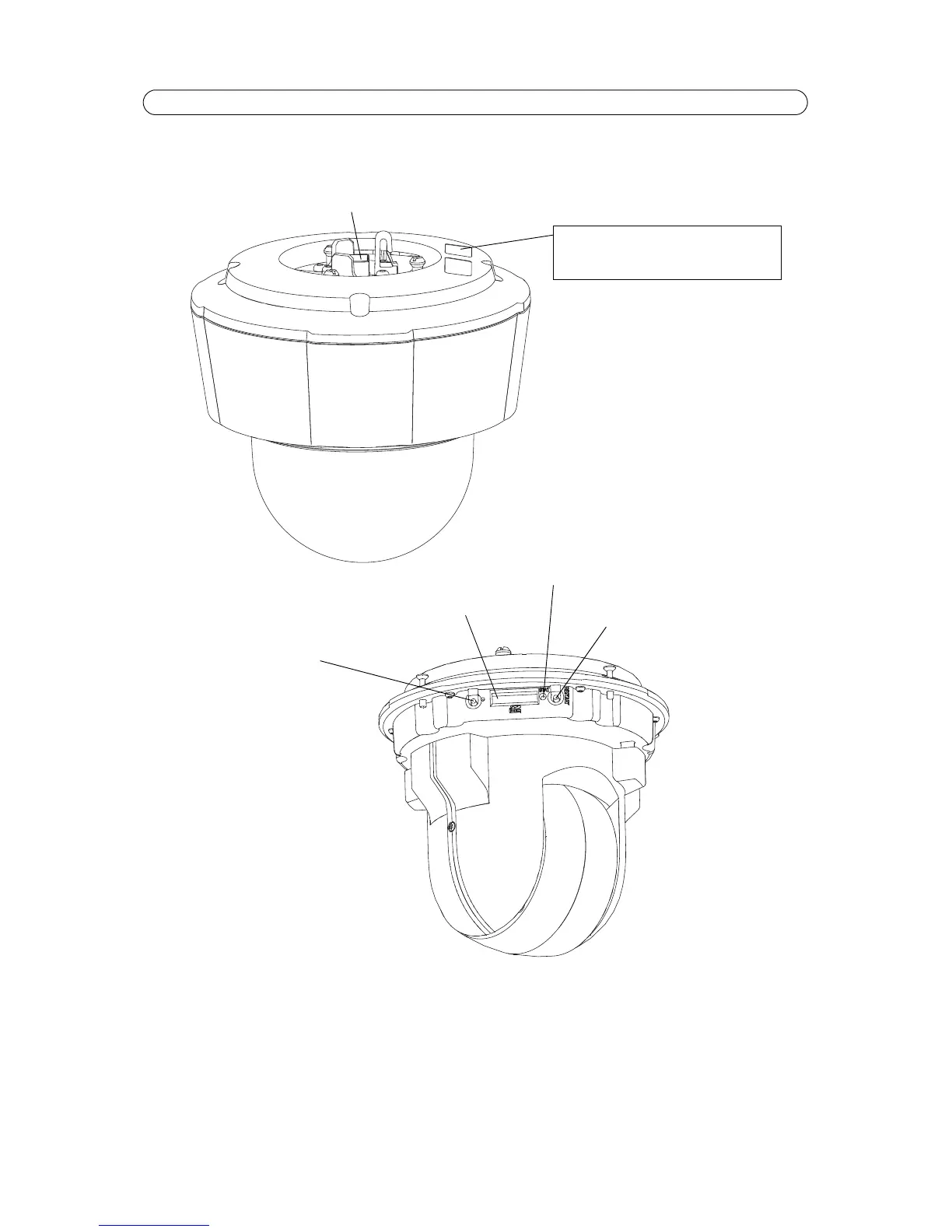
Overview
Note:
To insert and remove an SD card, or access the camera’s control and restart buttons, the sunshield and top cover must
first be removed; for instructions please refer to the Installation Guide.
Network connector - RJ-45 Ethernet connector. Supports High Power over Ethernet (IEE 802.3at). Use Axis T8123 Midspan
(included). Shielded cable shall be used to comply with EMC.



 To Next Page