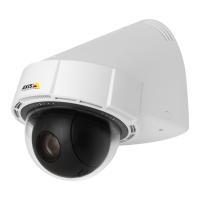
AXISP56PTZNetworkCameraSeries
Howtorepaintthecamera
Howtorepaintthecamera
Thetopcovercanberepaintedtomatchtheinstallationenvironment.
ThematerialusedinthecoversisASA+PC.Usepaintsuitableforthismaterial.
1.Removethethreemountingscrews.
2.Removethethreetopcoverscrews(T20)andremovethetopcover.
3.Repaintthetopcover.
4.Assemblethetopcover.Usethetriangularmarkingtopositionitcorrectly.
5.Fastenthetopcoverscrewswithatorqueof2.5Nm(T20).
NO NO
NO
TICE TICE
TICE
Topreventthecamerafromvibratingduringoperation,tightenallthescrewscarefully.
6.Fasteneachofthemountingscrewsequally,withatorqueof2.5Nmatthepositionsmarkedwithdots.
1
Mountingscrews(3)
2
Topcover
3
Topcoverscrews(3)
4
Triangularmarking
4



 To Next Page