Create a rule
For the camera to send a notification to the beacon to start flashing when something is
detected, you need to create a rule in the camera.
Use a network horn speaker to warn and deter possible intruders.
This example explains how to connect an Axis network horn speaker and set it up to play an
audio clip whenever the thermal camera detects an intrusion. In this example, the horn
speaker can only be activated outside office hours, between 18.00 and 08.00 Monday-Friday.
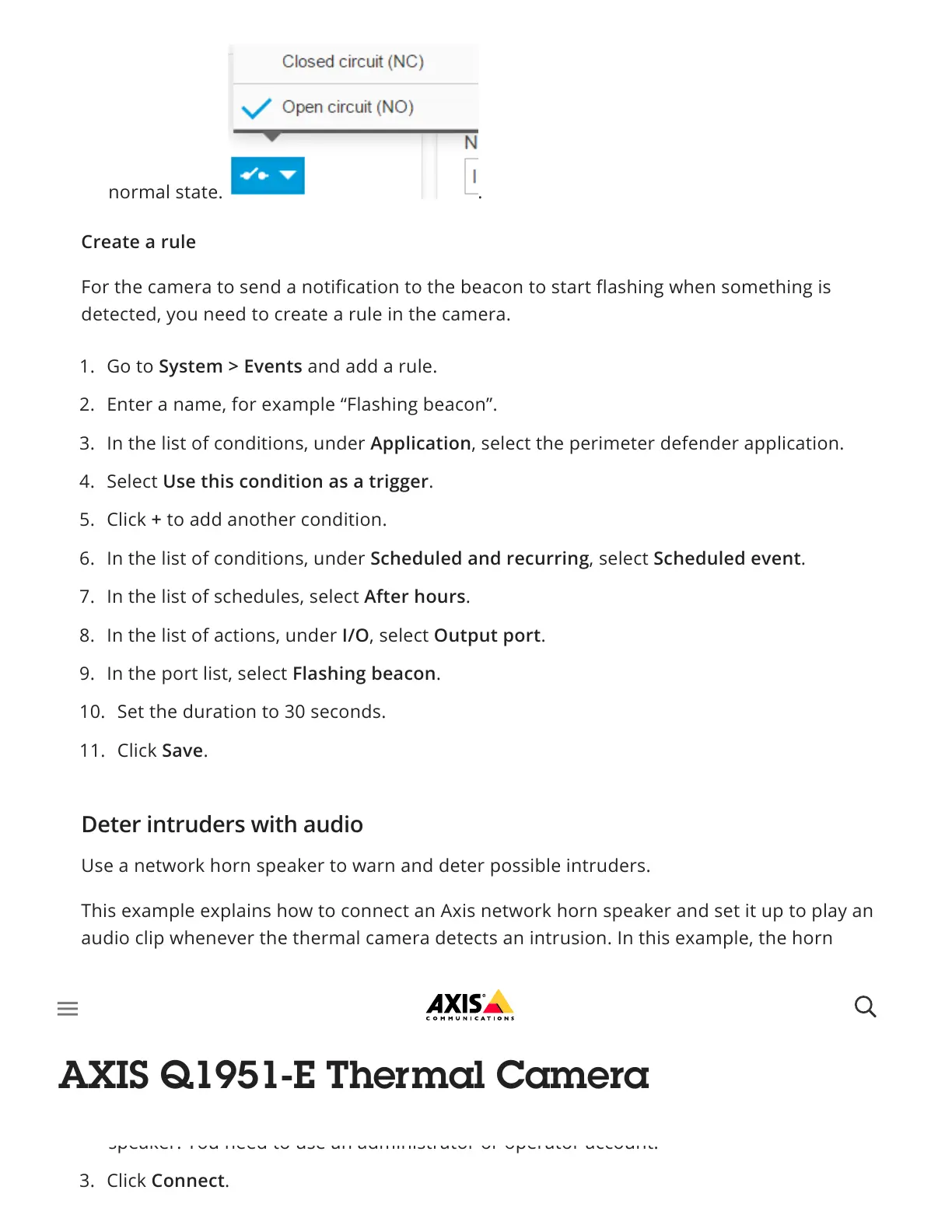
normal state. .
1. Go to System > Events and add a rule.
2. Enter a name, for example “Flashing beacon”.
3. In the list of conditions, under Application, select the perimeter defender application.
4. Select Use this condition as a trigger.
5. Click + to add another condition.
6. In the list of conditions, under Scheduled and recurring, select Scheduled event.
7. In the list of schedules, select After hours.
8. In the list of actions, under I/O, select Output port.
9. In the port list, select Flashing beacon.
10. Set the duration to 30 seconds.
11. Click Save.
Deter intruders with audio
Connect the devices
1. Go to System > Accessories.
2. Under Network speaker pairing, enter the IP address, username, and password for the
speaker. You need to use an administrator or operator account.
3. Click Connect.



 To Next Page