AXIS Q1951-E Thermal Camera User manual
https://help.axis.com/axis-q1951-e
How to change the appearance of the mask
You can add an image as an overlay in the video stream.
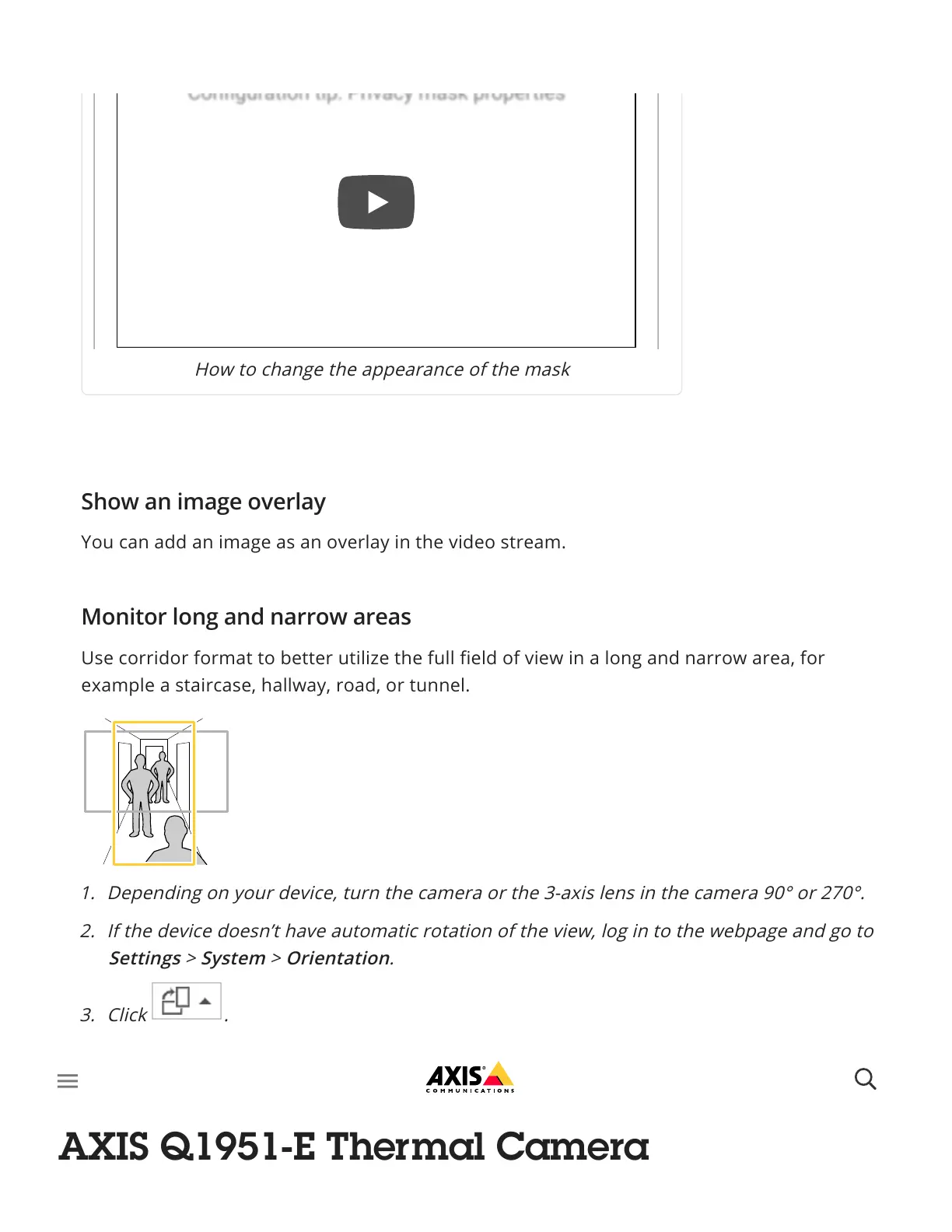
Use corridor format to better utilize the full field of view in a long and narrow area, for
example a staircase, hallway, road, or tunnel.
Find out more at axis.com/axis-corridor-format.
Conguration tip: Privacy mask propertiesConguration tip: Privacy mask properties
Show an image overlay
Monitor long and narrow areas
1. Depending on your device, turn the camera or the 3-axis lens in the camera 90° or 270°.
2. If the device doesn’t have automatic rotation of the view, log in to the webpage and go to
Settings > System > Orientation.
3. Click .
4. Rotate the view 90° or 270°.
Stabilize a shaky image with Electronic Image Stabilization (EIS)
AXIS Q1951-E Thermal Camera



 To Next Page