AXISQ3505–VEFixedDomeNetworkCamera
AccesstheProduct
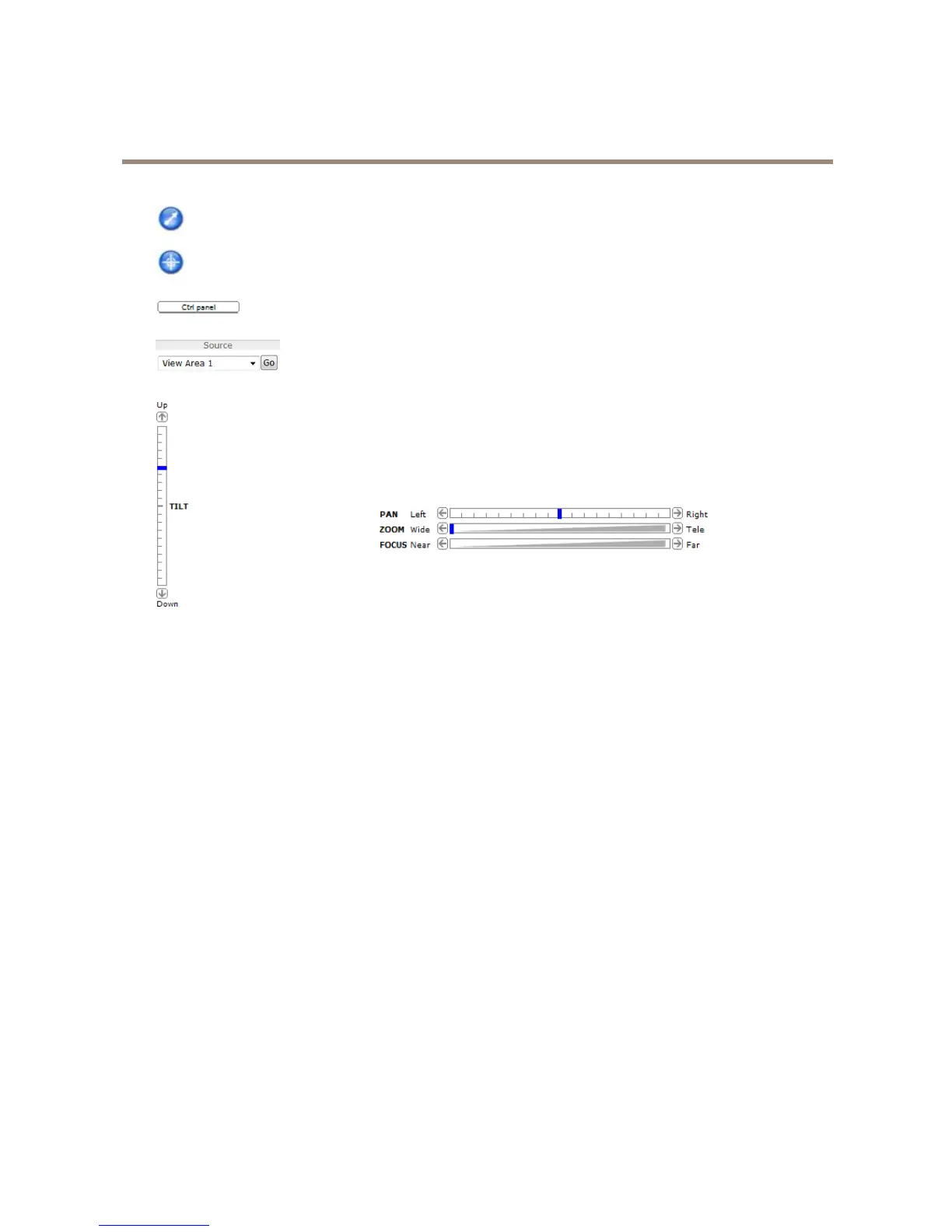
ClicktheEmulatejoystickmodebuttonandclickintheimagetomovethecameraviewinthedirectionofthe
mousepointer.
ClicktheCentermodebuttonandclickintheimagetocenterthecameraviewonthatposition.Thecentermode
buttoncouldalsobeusedtozoominonaspecicarea.Clickintheimageanddragtodrawarectanglesurrounding
theareatobemagnied.Tozoomout,rotatethemousewheel.
ClicktheCtrlpanelbuttontoopenthePTZcontrolpanelwhichprovidesadditionalPTZcontrols.
User-denedbuttonscanalsoappearintheControlpanel.SeeControlsonpage32.
Toviewaspecicviewareaorpresetposition,selectitfromtheSourcelist.
PanandTiltbars–Usethearrowstopanandtiltthecameraview,orclickona
positiononthebartosteerthecameraviewtothatposition.
Focusbar–Usethearrowstofocusthecamera,orclickonapositiononthebar
tosetthefocusposition.Usingthefocusbarwilldisabletheproduct’sautofocus.
Tore-enable,usethePTZcontrolpanelwhichisopenedbyclickingtheCtrlpanel
button(seeabove).
ThePTZcontrolscanbedisabledunderPTZ>Advanced>Controls,seeControlsonpage32.
13



 To Next Page