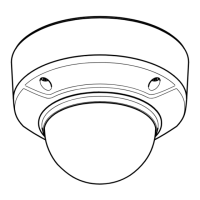
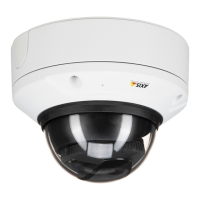
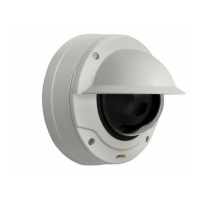
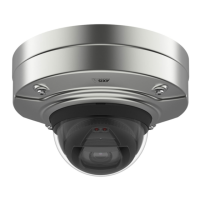
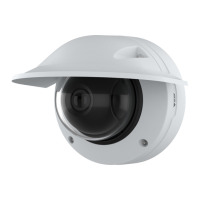
AXISQ3708-PVENetworkCamera
AccesstheProduct
ControlsontheLiveViewPage
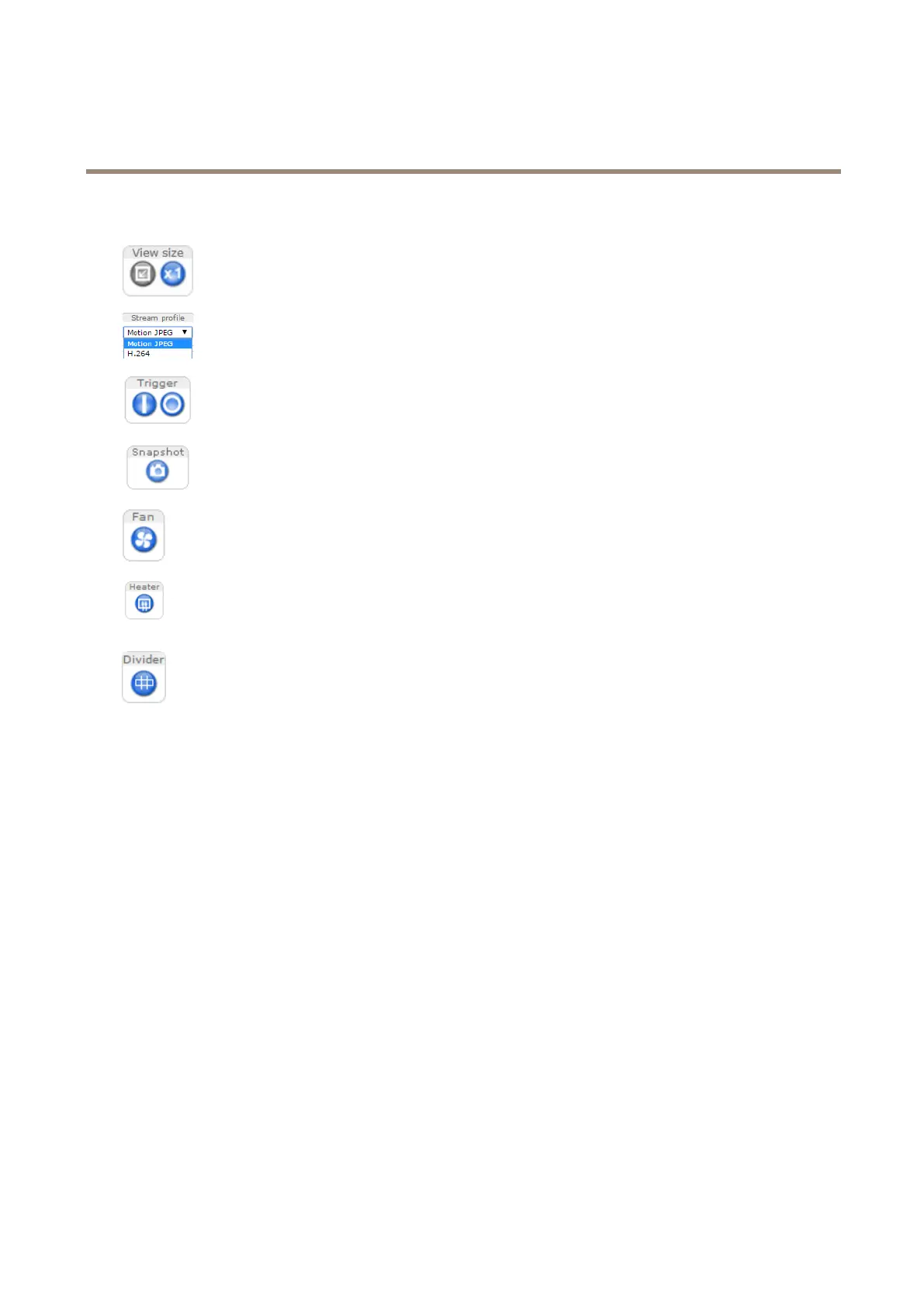
ClicktheViewsizebuttonstoshowtheimageinfullsize(rightbutton)ortoscaledowntheimageto
tthebrowserwindow(leftbutton).
SelectastreamprolefortheLiveViewpagefromtheStreamProledrop-downlist.Forinformation
abouthowtocongurestreamproles,seepage18.
TheManualTriggerbuttonisusedtotriggeranactionrulefromtheLiveViewpage.Forinformation
abouthowtocongureandenablethebutton,seeManualTriggeronpage11.
ClickSnapshottosaveasnapshotofthevideoimage.Thisbuttonisprimarilyintendedforusewhen
theAXISMediaControlviewertoolbarisnotavailable.EnablethisbuttonfromLiveViewCong>
ActionButtons.
Theproduct’sfaniscontrolledbytheambienttemperatureandisturnedonandoffautomatically.If
required,thefancanbeactivatedmanuallybyclickingtheFanbutton.Toshowthebutton,goto
Setup>LiveViewCong.UnderActionButtons,selectShowfanbuttonandspecifythenumberof
minutesthefanshouldbeactivated.
Theproduct’sheateriscontrolledbytheambienttemperatureandisturnedonandoffautomatically.
Ifrequired,theheatercanbeactivatedmanuallybyclickingtheHeaterbutton.Toshowthebutton,
gotoSetup>LiveViewCong.UnderActionButtons,selectShowheaterbuttonandspecifythe
numberofminutestheheatershouldbeactivated.
ClickDividertodisplaypartitionlinesbetweentheimages.Thiscanbeusefulforinstancewhen
identifyingpotentialblindspotsbetweentheimagesduringinstallation.
ManualTrigger
TheManualTriggerisusedtotriggeranactionrulefromtheLiveViewpage.Themanualtriggercanforexamplebeusedto
validateactionsduringproductinstallationandconguration.
Tocongurethemanualtrigger:
1.GotoSetup>Events.
2.ClickAddtoaddanewactionrule.
3.FromtheTriggerdrop-downlist,selectInputSignal.
4.Fromtheseconddrop-downlist,selectManualTrigger.
5.Selectthedesiredactionandconguretheothersettingsasrequired.
Formoreinformationaboutactionrules,seeEventsonpage3
1.
ToshowthemanualtriggerbuttonsintheLiveViewpage:
1.GotoSetup>LiveViewCong.
2.UnderActionButtons,selectShowmanualtriggerbutton.
AXISMediaControlviewertoolbar
TheAXISMediaControlviewertoolbarisavailableinInternetExploreronly.SeeAXISMediaControl(AMC)onpage13formore
information.Thetoolbardisplaysthefollowingbuttons:
11


 To Next Page