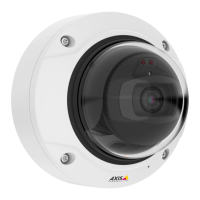
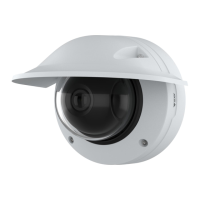
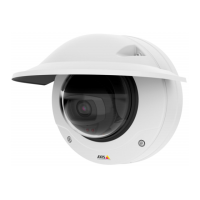
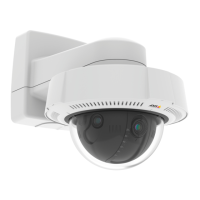
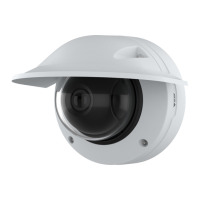
AXISQ3819-PVENetworkCamera
Configureyourdevice
Note
Whenyouincreasethegain,imagenoisealsoincreases.
•SetMaxshuttertoashortertime,andMaxgaintoahighervalue.
Ifyoustillhaveproblemswithmotionblur:
•Increasethelightlevelinthescene.
•Mountthecamerasothatobjectsmovetowarditorawayfromitratherthansideways.
Maximizethedetailsinanimage
Important
Ifyoumaximizethedetailsinanimage,thebitratewillprobablyincreaseandyoumightgetareducedframerate.
•Makesuretoselectthecapturemodethathasthehighestresolution.
•GotoVideo>Stream>Generalandsetthecompressionaslowaspossible.
•Belowtheliveviewimage,click
andinVideoformat,selectMJPEG.
•GotoVideo>Stream>ZipstreamandselectOff.
Handlesceneswithstrongbacklight
Dynamicrangeisthedifferenceinlightlevelsinanimage.Insomecasesthedifferencebetweenthedarkestandthebrightest
areascanbesignicant.Theresultisoftenanimagewhereeitherthedarkorthebrightareasarevisible.Widedynamicrange
(WDR)makesbothdarkandbrightareasoftheimagevisible.
1.GotoVideo>Image>Widedynamicrange.
2.UsetheLocalcontrastslidertoadjusttheamountofWDR.
3.Ifyoustillhaveproblems,gotoExposureandadjusttheExposurezonetocovertheareaofinterest.
FindoutmoreaboutWDRandhowtouseitataxis.com/web-articles/wdr.
Verifythepixelresolution
Toverifythatadenedpartoftheimagecontainsenoughpixelsto,forexample,recognizethefaceofaperson,youcanusethe
pixelcounter.
7



 To Next Page