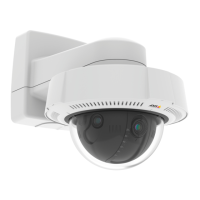
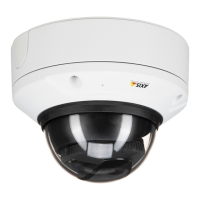
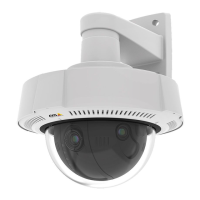
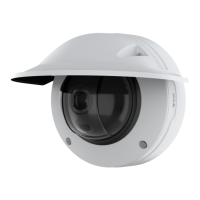
AXISQ3819-PVENetworkCamera
Configureyourdevice
1.GotoVideo>Imageandclick.
2.Click
forPixelcounter.
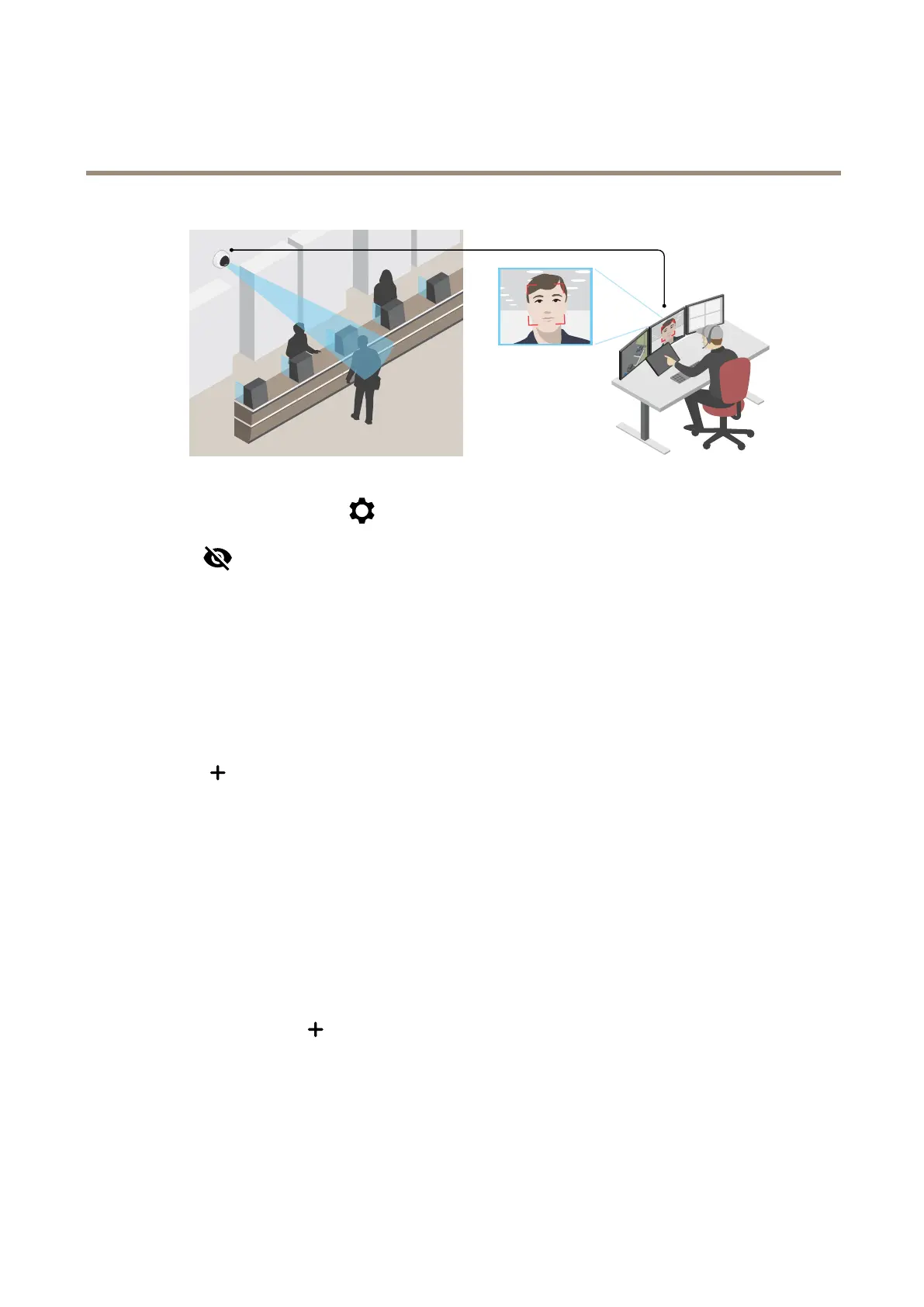
3.Inthecamera’sliveview,adjustthesizeandpositionoftherectanglearoundtheareaofinterest,forexamplewhere
youexpectfacestoappear.
Youcanseethenumberofpixelsforeachoftherectangle’ssides,anddecideifthevaluesareenoughforyourneeds.
Hidepartsoftheimagewithprivacymasks
Youcancreateoneorseveralprivacymaskstohidepartsoftheimage.
1.GotoVideo>Privacymasks.
2.Click
.
3.Clickthenewmaskandtypeaname.
4.Adjustthesizeandplacementoftheprivacymaskaccordingtoyourneeds.
5.Tochangethecolorforallprivacymasks,clickPrivacymasksandselectacolor.
SeealsoPrivacymasksonpage50
Showanimageoverlay
Youcanaddanimageasanoverlayinthevideostream.
1.GotoVideo>Overlays.
2.SelectImageandclick
.
3.ClickImages.
4.Draganddropanimage.
5.ClickUpload.
6.ClickManageoverlay.
8



 To Next Page