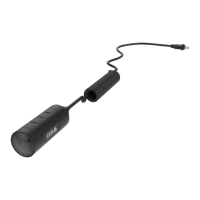
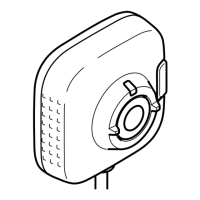
AXIST8415WirelessInstallationTool
4.StarttheappAXISWirelessInstallationTool
Note
Thestart-uptimeforcamerasvariesfordifferentproducts.Itmaytakeafewminutes
beforethecameraisvisibleinthecameralistintheapp.
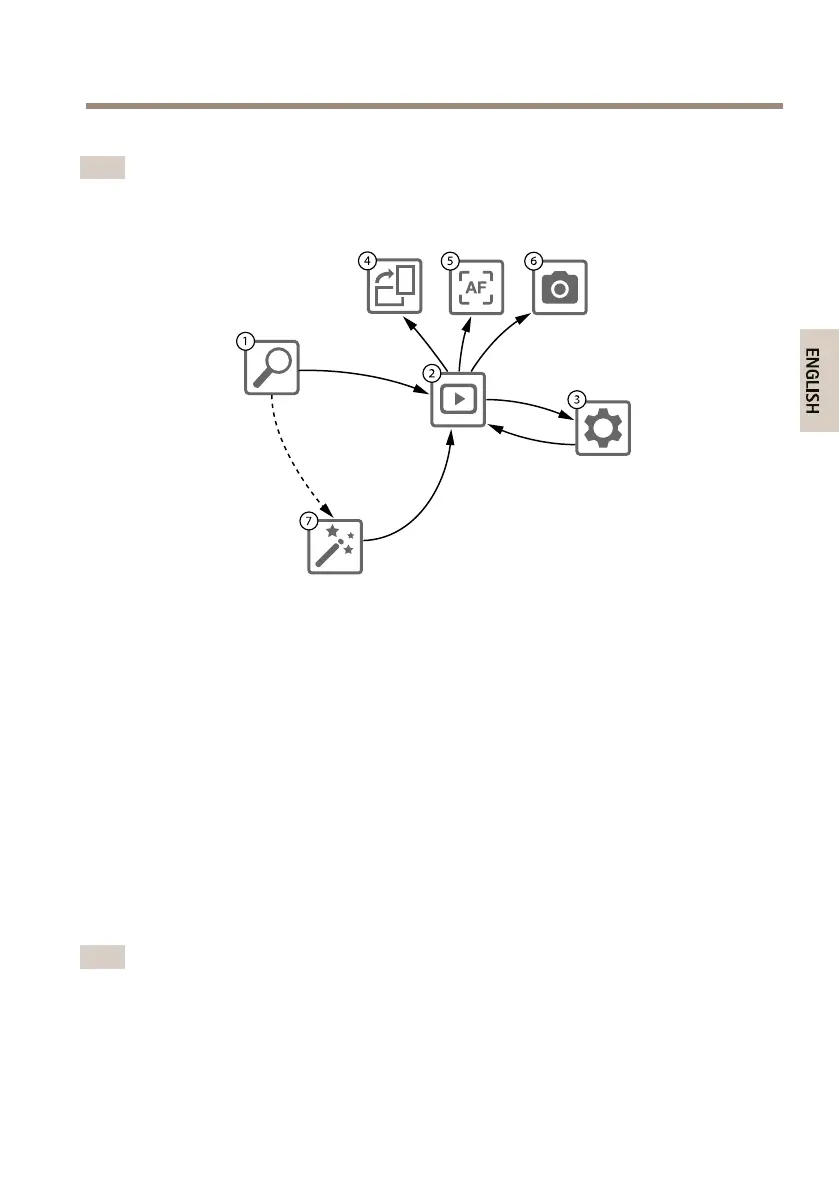
1
CameraList
2
Liveview
3
Settings
4
Rotateimage
5
Autofocus
6
Snapshot
7
Wizard
Tocongureacamera
Selectcamerain1CameraList.Ifrequiredtypeinpasswordinordertocontinue.
In2Liveviewitispossibletoaccesstheactionbuttons(4,5and6)bypressandholdonthescreen.
Select4Rotateimagetorotatetheimage.
Select5Autofocustoperformasearchfortheidealfocuspoint.
Note
•Autofocuswillonlybeavailableifthecamerasupportsthisfunctionality.
•Autofocusmaytakeafewminutestoperform,duringthistimeitisimportantthatthe
cameraisstill.
17


 To Next Page