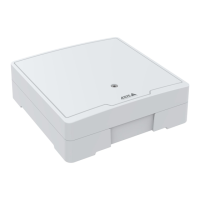
AXISA1610NetworkDoorController
TableofContents
Solutionoverview...........................................3
Getstarted................................................5
Findthedeviceonthenetwork....................................5
Openthedevice'swebpage.......................................5
Setanewpasswordfortherootaccount............................5
Securepasswords...............................................5
Verifythatnoonehastamperedwiththermware....................6
Webpageoverview..............................................6
Congureyourdevice........................................7
Thedeviceinterface.........................................8
Status........................................................8
Accesscontrol..................................................9
System........................................................9
Maintenance...................................................18
Learnmore................................................19
Security.......................................................19
Specications..............................................20
Productoverview................................................20
LEDindicators..................................................20
Buttons.......................................................
21
Connectors....................................................
21
Troubleshooting............................................27
Resettofactorydefaultsettings...................................27
Firmwareoptions...............................................27
Checkthecurrentrmwareversion.................................
27
Upgradethermware............................................27
Technicalissues,clues,andsolutions................................
28
Performanceconsiderations.......................................
29
Contactsupport.................................................29
2



 To Next Page