48 49
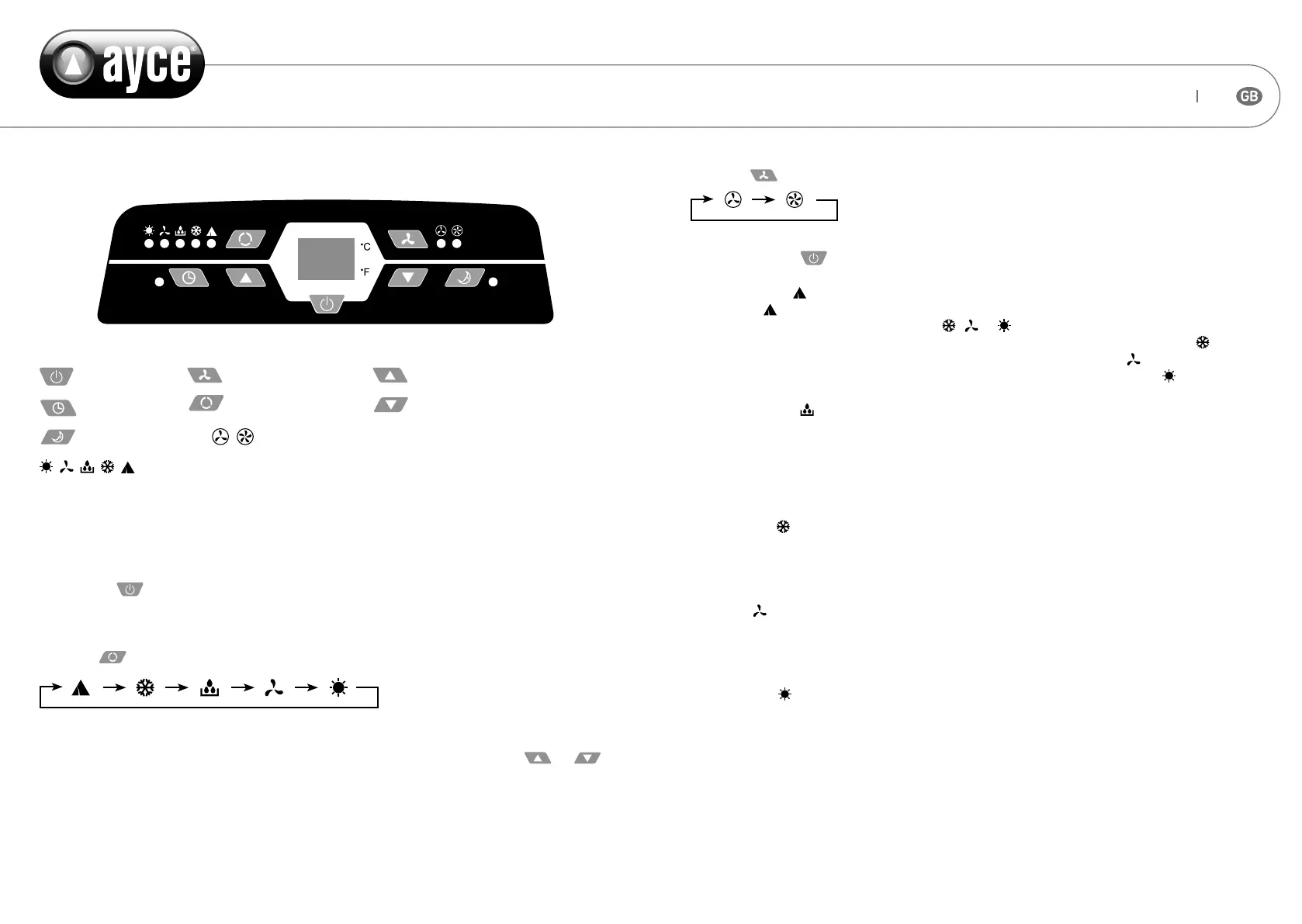
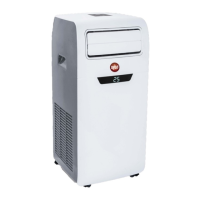
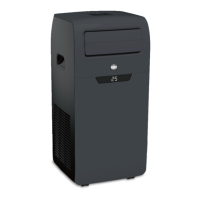
CONTROL PANEL
Stand-by button
Timer button
Sleep button
Speed button Timer/Temperature up button
Mode button Timer/Temperature down button
Low/High Fan speed
Modes: Heating, Fan, Dehumidify, Cool, Automatic
OPERATION
Turn on the unit
1. Plug in, then the unit beeps once.
2. Press the button, then the unit is ready.
3. The LED displays the room temperature and operates in Automatic mode.
Select operating mode
Press the button to select a desired mode shown below:
Adjust Temperature
• The temperature can be set within a range of 15°C to 31°C by 1°C steps. Press or
button to increase or decrease the temperature 1°C by pressing once.
• The unit LED shows the target temperature for 5 seconds and then displays the room tem-
perature again.
Adjust Fan Speed
Press the
button to select a desired fan speed shown below:
Standby
After pressing the button again, the unit will emit a “di” and stop working.
Automatic mode
• Once the Operation is selected, the indoor temperature sensor operates automatically to
select the desired operation mode with , or .
• When the room temperature is above 24°C the unit will automatically select mode .
• When the room temperature is 23 °C,the unit will automatically select mode .
• When the room temperature is below 22 °C,the unit will automatically select mode .
Dehumidify mode
• The up centrifugal fan will run at low speed ,and the speed can’t be adjusted.
• The compressor and the down centrifugal fan will stop after running 8 mins, then run again
after 6 mins.
• The unit adopts constant temperature dehumidifying mode,and the adjustment of tempera-
ture is no eective.
Cooling mode
• When the room temperature is higher than set temperature ,the compressor starts to run.
• When the room temperature is lower than set temperature ,the compressor stop and upper
fan operate at original set speed.
Fan mode
• The up centrifugal fan runs at set speed , and the compressor and down centrifugal fan does
not run .
• The adjustment of temperature is no eective.
Heating mode
• When the room temperature is higher than the set temperature ,the unit will stop heating
function.
• When the room temperature is lower than set temperature ,the unit will start heating func-
tion.
• To avoid cold wind blowing out from the indoor air outlet, the unit is designed with cold wind
defending function in heating pump mode.


 To Next Page