14
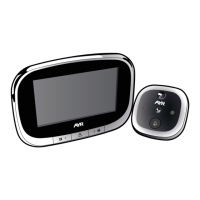
Digital door viewer 754
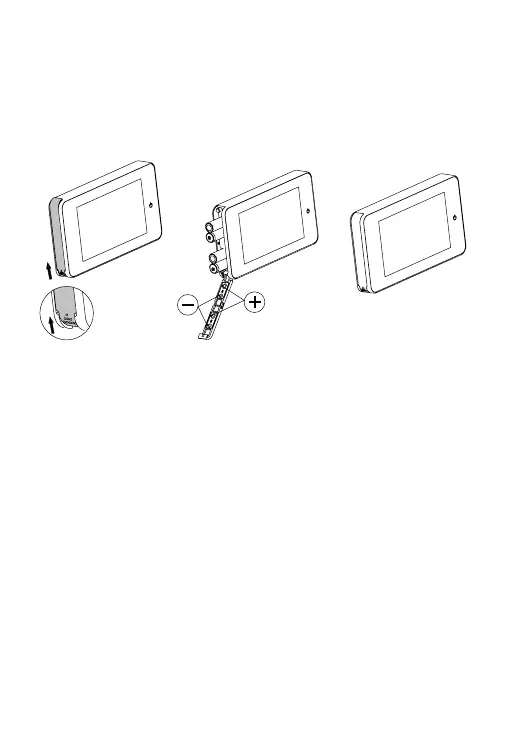
3.Installation and replacement of batteries:
1. Slide the lid upwards to open, as shown in diagram.
2. Put in the batteries according to the “+” “-” sign on the lid.
3. Take the reverse steps to close the lid.
4.Operation
1. Power button: press and release the button. You will be able to see the
image for 10 seconds.
2. Indicator light: If the indicator lights up, replace the batteries.
5.Specifications:
Model: 754
Door thickness: 38 à 110 mm
Door barrel diameter: 14 à 22 mm
Camera: 0,3 mégapixel CMOS
LCD Screen: 4 ”TFT
Power: 4 piles AAA
Size:139 (largeur) x77 (hauteur) x15,8 (profondeur) mm.
Weight: 140g
14


 To Next Page